How to Add an MCP Marketing Agent to Claude Code & OpenClaw (Step-by-Step)

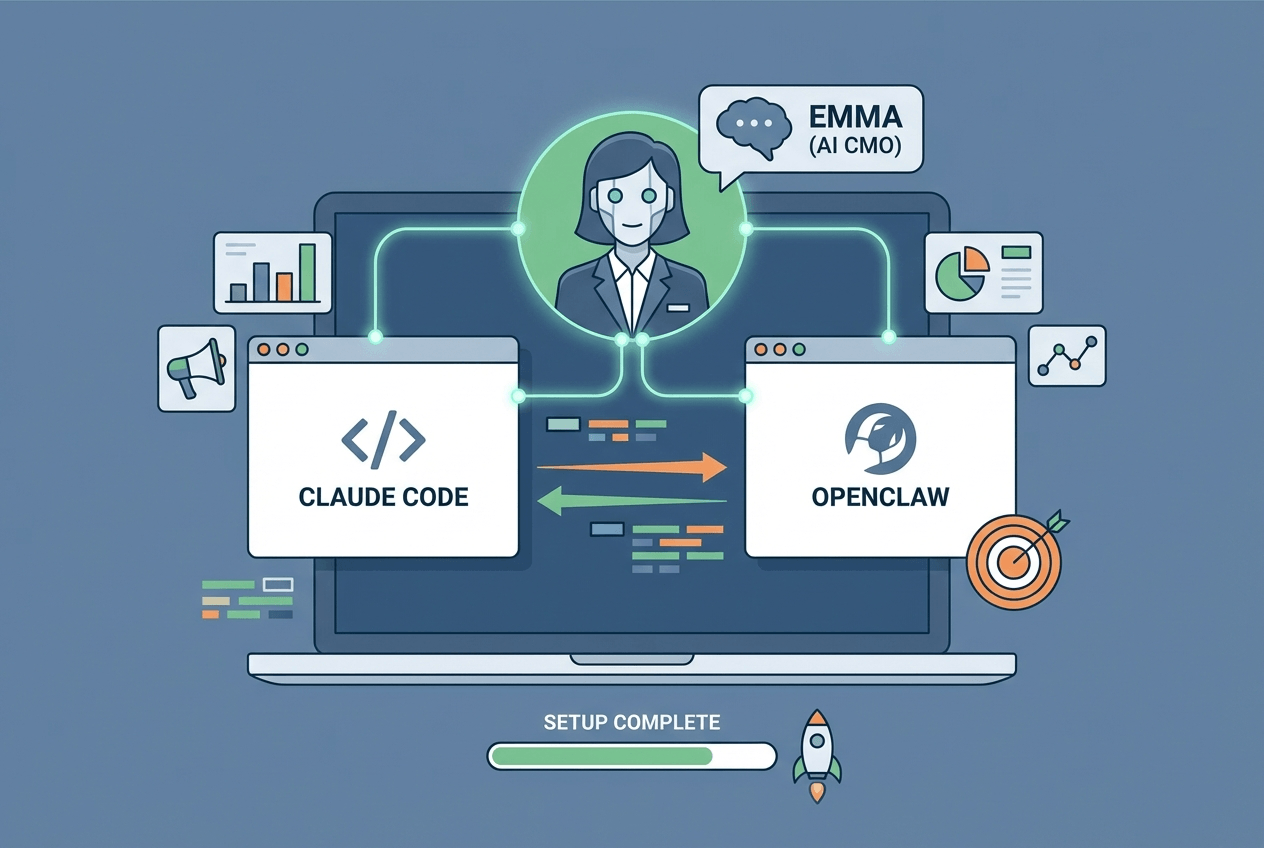
If you're using Claude Code or OpenClaw as your daily AI coding/agent environment, you can plug Emma — AgentWeb's AI marketing Agent— directly into your workflow via MCP (Model Context Protocol). No switching tabs. No copy-pasting between tools. Just marketing superpowers, right inside your terminal or agent.
This guide walks you through both setups in under 5 minutes each.
What is Emma?
Emma is AgentWeb's AI-powered marketing partner. She helps you with:
- Brand strategy & guidelines — tone of voice, brand colors, messaging
- Market research — competitor analysis, ICP segmentation, trend spotting
- Content creation — blog articles, social media posts, email campaigns
- GTM planning — go-to-market plans with phases, work items, and DRIs
- Paid social — Meta Ads campaign creation, measurement, and optimization
- Lead management — CRM lists, lead tracking, engagement workflows
Emma connects to your AgentWeb workspace via MCP, which means any MCP-compatible client (like Claude Code or OpenClaw) can use her full toolkit.
What You'll Need
Before you start, make sure you have:
- An AgentWeb account — Sign up at www.agentweb.pro
- Your AgentWeb API key — Found in your AgentWeb dashboard under Settings. It starts with
aw_followed by a long hex string. - Claude Code installed (for Method 1) — Anthropic's CLI-based coding agent
- OpenClaw installed (for Method 2) — The open-source AI agent framework
Method 1: Setting Up Emma in Claude Code
Claude Code supports MCP servers natively via the claude mcp add command. Here's how to connect Emma:
Step 1: Open Your Terminal
Launch your terminal where Claude Code is installed and ready to go.
Step 2: Run the MCP Add Command
Run the following command, replacing the Bearer token with your own AgentWeb API key:
claude mcp add --transport http emma https://api.agentweb.pro/mcp --header "Authorization: Bearer aw_YOUR_API_KEY_HERE"
Breaking this down:
claude mcp add— Tells Claude Code to register a new MCP server--transport http— Specifies HTTP as the transport protocol (AgentWeb uses Streamable HTTP)emma— The name you're giving this MCP connection (you can call it whatever you want, but "emma" keeps it clean)https://api.agentweb.pro/mcp— The AgentWeb MCP endpoint--header "Authorization: Bearer aw_..."— Your authentication token
Step 3: Verify the Connection
You can verify Emma is connected by running:
claude mcp list
You should see emma listed as an active MCP server.
Step 4: Start Using Emma
Now when you use Claude Code, Emma's marketing tools are available. You can ask things like:
- "Emma, read my brand guidelines"
- "Create a blog article about AI in B2B marketing"
- "What does my GTM plan look like?"
- "Generate social media posts for my latest product launch"
Claude Code will automatically route marketing-related tool calls through the Emma MCP connection.
Method 2: Setting Up Emma in OpenClaw
OpenClaw is the open-source AI agent that's taken the developer world by storm. Connecting Emma to OpenClaw is straightforward — you just need your API key and the skill file.
Step 1: Get Your AgentWeb API Key
Grab your API key from your AgentWeb dashboard (Settings section). It looks like: aw_f0dfbe594b4611c5f3e5e411254932a2...
Step 2: Add Your API Key to OpenClaw
In OpenClaw's configuration, add your AgentWeb API key. This is typically done through OpenClaw's MCP or API key management interface — just paste your aw_ key where it asks for the service credentials.
Step 3: Load the Skill File
Point OpenClaw to Emma's skill definition file:
https://api.agentweb.pro/skill.md
This skill file tells OpenClaw exactly what Emma can do — all her tools, capabilities, and how to interact with the AgentWeb API. OpenClaw reads this file and makes Emma's full marketing toolkit available to your agent.
Step 4: Start Using Emma
Once the key and skill file are configured, you can interact with Emma through OpenClaw just like any other skill. Ask her to:
- Research your competitors
- Draft LinkedIn posts in your founder's voice
- Build a content calendar
- Analyze your Meta Ads performance
- Create and manage lead lists
Which Method Should You Choose?
Both methods give you access to Emma's complete feature set. Pick whichever fits your existing workflow.
Claude Code: → One terminal command → You're already in Claude Code → HTTP transport, bearer token → Full Emma toolkit
OpenClaw 🦞: → API key + skill file → You're running OpenClaw as your primary agent → Skill file based → Full Emma toolkit
Both give you the complete arsenal. Pick the one that matches where you already live.
If you're debating which one for more than 30 seconds, you're missing the point. The setup isn't the moat. What you do after is.
Tips for Getting the Most Out of Emma
- Set up your Brand Profile first — Before asking Emma to create content, configure your brand guidelines, market strategy, and founder profiles in AgentWeb. This ensures everything she creates is on-brand.
- Upload to the Knowledge Base — Drop in your mission statement, case studies, founder interviews, and successful posts. Emma uses this context to create content that sounds like you, not generic AI slop.
- Connect your social accounts — Link your LinkedIn, Meta Ads, and other accounts in AgentWeb Settings to unlock publishing and analytics features.
- Use GTM Plans for campaigns — Instead of ad-hoc requests, create structured go-to-market plans. Emma can help you build and track multi-phase campaigns with clear milestones.
- Keep your API key secure — Treat your
aw_key like a password. Don't commit it to public repos or share it in plain text.
Troubleshooting
"Connection refused" or timeout errors:
- Double-check the endpoint URL:
https://api.agentweb.pro/mcp - Ensure your API key is valid and hasn't expired
- Check your internet connection
Tools not showing up in Claude Code:
- Run
claude mcp listto verify the server is registered - Try removing and re-adding:
claude mcp remove emmathen re-run the add command
OpenClaw can't load the skill file:
- Verify the URL is accessible:
https://api.agentweb.pro/skill.md - Make sure your API key is correctly entered in OpenClaw's configuration
Wrapping Up
Setting up Emma in Claude Code or OpenClaw takes less than 5 minutes and gives you a full AI marketing team right inside your development environment. No more context-switching between your code editor and marketing tools.
Whether you're a founder who needs to ship content fast, a marketer who lives in the terminal, or a developer building marketing automation — Emma's got you covered.
Get started at start.agentweb.pro and grab your API key today.
Get a free Stack Review.
30 min with Harsha and Matt.
We audit your last 30 days, pinpoint the highest-impact fixes, and hand you the exact playbook we'd run. No deck. No pitch unless there's a fit.