Why Our Small Marketing Team Runs Google Ads and LinkedIn Ads With an AI Agent

Paid campaigns used to mean one of two things for a team our size: hire an agency and spend your week managing it, or do the work yourself and accept that it moves slowly. We chose a third option this year. Our Google Ads and LinkedIn Ads work now runs through AgentWeb, with Emma, their AI marketing agent, doing most of the execution and a person on our side approving what matters.
I'm a senior marketing manager at ThinkingAI, where a small US team sells a product analytics and AI agent platform to game and app companies. Here is why we made that choice, and why AI Google Ads management fits a self-serve, product-led funnel.
Replacing the agency
An agency adds execution capacity, but managing it is extra work for a small team. Briefs go out, drafts come back, feedback goes out again, and the quality of what ships depends on who happens to be on your account that month. Managing the relationship takes up much of the time the agency was supposed to save.
Moving that work to AgentWeb removed most of that overhead and gave us more control over what actually ships. We could see every draft and every change, and nothing went live in a form we hadn't seen. It also made the switch itself easy. We took over our legacy campaigns, moved their day-to-day work to Emma and let the agency go, without a long handoff.
The loop that used to stall at execution
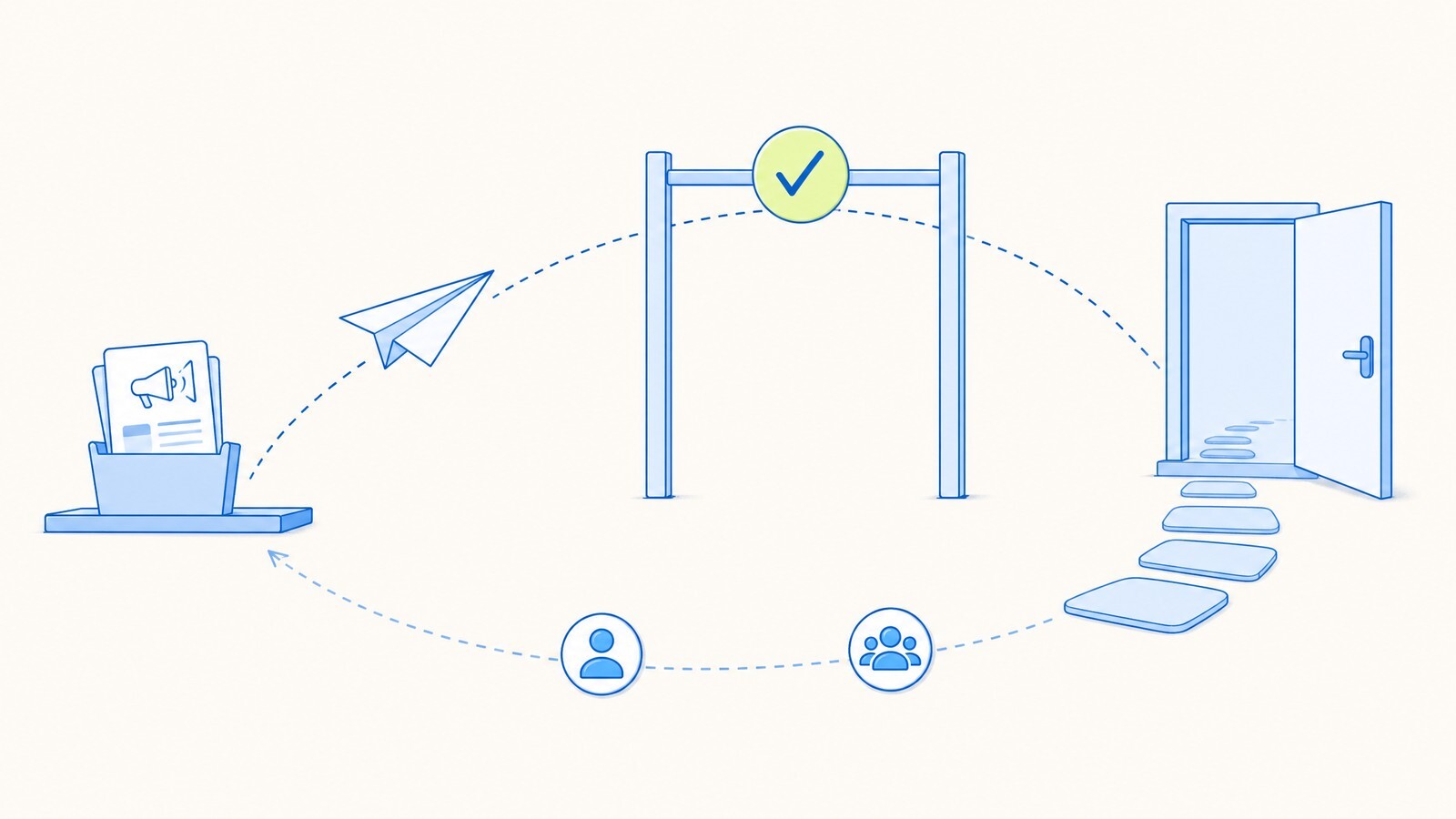
Every campaign runs on the same loop: an idea, a campaign brief, execution, monitoring performance, iterating, and then doing it all again. Done by hand, that loop is slow, and general-purpose AI only speeds up parts of it. You can draft copy or summarize a report quickly, but building the campaign, setting up ad groups and keywords, uploading creative and making the daily changes is still slow, careful work.
Execution is where an agent with real access to the ad platforms changes the pace. On July 20, the first time we let it build a Google Ads Search campaign, it set up four ad groups, 43 keywords and an ad for each group in a single evening, and it kept running the daily changes from there: bid adjustments, new keywords from search terms, negative keywords. On LinkedIn, AgentWeb's integration creates campaigns and uploads creative, which our own LinkedIn API access couldn't do. Since late September, every LinkedIn campaign we run goes through it.
With execution off our plate, one person can carry the heavy lifting of our digital campaigns and campaign operations. That person's time goes where it is worth more: strategy, experiments and optimization.
“Execution used to be the slow part of every campaign loop. With AgentWeb, one person can run our Google Ads and LinkedIn Ads through each iteration and still approve every launch and budget change.”
— Daniel Liu, Senior Marketing Manager, ThinkingAI
Agents do the work, people stay in the loop
Emma handles execution, and we make the decisions. We built a few principles into how we work with Emma from the start, and they are the reason we can trust it with a real budget.
Drafts first. New campaigns are built as drafts. When Emma built our LinkedIn retargeting campaign in October, we checked each field against what we had asked for, and it went live only after I approved it.
A person approves anything that spends money. Launches and budget changes wait for a human yes. The agent can move fast everywhere else.
Every change is confirmed against the live account. After each change, we run a fresh query against the ad account to confirm it landed as intended. That habit keeps our view of the account accurate and lets us move quickly without guessing.
The rules live in a document we own. Bid ceilings, budget caps and the instruction to pause instead of delete sit in a written playbook that the agent follows. When we want different behavior, we edit the playbook.
That is how we work at an agent's pace and still know exactly what is live in our accounts.
What keeps the platform useful
A good part of why AgentWeb works for us is that it keeps adding to what Emma can do. The pieces we use or watch most closely:
- a launch flow for each ad platform, including Google Ads and LinkedIn Ads
- landing page generation, with dedicated pages for a campaign
- ad creative and image generation
- built-in tools and a core skillset that every plan gets
- ready-made work plans that get a piece of work started quickly
- a content pipeline for articles, SEO and answer engine optimization (AEO)
- CRM and lead management, plus enriched lead lists
Each of these removes a handoff that used to sit between an idea and a live campaign.
Why this fits a product-led funnel
On September 28 we opened self-serve sign-up with a Free plan. For ten years ThinkingAI served large game publishers and consumer app companies, and more studios and app teams want the same tools. With self-serve they can start on their own, with a plan for each stage from the Free plan to Enterprise.
In a product-led funnel, the path from ad to sign-up to first use has no salesperson in it, so the monitoring and iterating parts of the loop have to come from product data. When we compared paid sign-ups by device from October 1 to November 10, the cost per sign-up was about the same on phones and desktops, while the cost per user who came back after their first session was several times higher on phones. Judged by sign-ups alone, the two looked the same.
That is the job we keep for ourselves. The agent runs the campaigns. We decide what a good result is: users who come back and use the product, and over time an activation event imported as the conversion the ads optimize for. Reading what people do after they sign up is the problem ThinkingAI was built to solve for game and app teams.
Where Zoma fits
AgentWeb also makes Zoma, an MCP server that lets any AI agent launch and manage Meta ads with approval guardrails. We haven't used it yet, but the approval step is exactly the principle we rely on for Google Ads and LinkedIn Ads, so it is good to see it built in from the start.
We wrote more about the handoffs between agents and the people who approve their work in The Handoffs Are the Hard Part. For paid media, our version is simple. The agent builds and runs the campaigns, a person approves anything that spends money, and we spend our own time on the strategy that decides what the campaigns are for.
How to set up Zoma MCP
Zoma is an agent MCP server the AgentWeb team spun off from Emma. It connects Claude, ChatGPT, Codex or Cursor to your Meta, Google and X ad accounts, and setup takes about two minutes. In Claude or ChatGPT, open Settings → Connectors → Add custom connector and paste https://api.agentweb.pro/api/meta-toolkit/mcp. In Claude Code, run claude mcp add --transport http zoma https://api.agentweb.pro/api/meta-toolkit/mcp. Then tell your agent “set up Zoma”, sign in to AgentWeb in your browser, approve the code it shows and pick the ad accounts your agent is allowed to see. Zoma is free for the first 7 days, then $50 a month with 5,000 calls included and $0.01 per call after that. One-click installs for Cursor, Codex and VS Code are on zomamcp.com.
Or get a free AI Readiness Roadmap to see where your GTM has gaps.
Daniel Liu is Senior Marketing Manager at ThinkingAI, the platform game and app companies use to understand users, decide what to change and act on it. He runs ThinkingAI's paid campaigns with AI agents, so his own time goes to strategy, experiments and optimization. Teams can get started free on ThinkingAI's Free plan at thinkingai.io.
Get a free Stack Review.
30 min with Harsha and Matt.
We audit your last 30 days, pinpoint the highest-impact fixes, and hand you the exact playbook we'd run. No deck. No pitch unless there's a fit.