9 Best AI-Native CRM Tools for Startups (2026 Guide)


TL;DR
Every CRM now claims AI, but most just bolted a chatbot onto the same old database. A true AI-native CRM captures meetings, emails, and calls automatically, structures that data into deals and contacts, and recommends (or executes) the next step. This guide compares nine options across four categories, with real pricing, user feedback, and honest limitations. The bigger question most startup founders miss: if your bottleneck is not CRM admin but a lack of consistent campaigns, content, and outbound, you need a GTM execution layer, not a smarter contact database.
What Makes a CRM “AI-Native”?
The term gets thrown around loosely. Folk’s guide defines an AI-native CRM as a system built with AI as the core engine rather than as an add-on source. CRM Switch frames it as the shift from bolted-on assistants to AI as the central nervous system around the customer database source.
That distinction matters because most “AI CRM” products are really traditional CRMs with a summarization tool or email writer dropped in. Having an AI sidebar does not make architecture AI-native.
A practical test: a tool should meet at least four of these six criteria before earning the label.
- Auto-captures meetings, emails, calls, or social interactions without rep input.
- Structures unstructured data into contacts, companies, deals, tasks, and fields.
- Updates records autonomously, minimizing manual data entry.
- Supports natural-language queries across the full customer memory.
- Shows reasoning and sources behind its recommendations.
- Executes or queues next steps (follow-ups, tasks, stage changes) with human approval.
If the tool only writes email drafts and scores leads, it is AI-assisted, not AI-native.
The Four Categories You Should Know
Not every option in this guide is a true AI-native CRM, and that is on purpose. Buyers searching this term are actually spread across four needs:
| Category | What it does | Example picks |
|---|---|---|
| True AI-native CRM | Auto-captures everything, structures data, recommends and executes actions | Lightfield, Day AI, Clarify, Breakcold |
| Modern flexible CRM with AI features | Flexible data model, modern UX, enrichment, workflows, partial autonomy | Attio, folk |
| Established CRM with AI layer | Deep reporting, integrations, governance; AI added on top | HubSpot, Pipedrive |
| GTM execution layer | Not a CRM replacement; ships campaigns, content, outbound, and performance tracking | AgentWeb |
This taxonomy is the first thing most comparison articles get wrong. They lump everything together, which is why buyers feel confused after reading three “best AI CRM” posts in a row.
Quick Comparison: Best AI-Native CRM Tools at a Glance
| Tool | Category | Best for | Starting price | Key differentiator | Main tradeoff |
|---|---|---|---|---|---|
| AgentWeb | GTM execution layer | Startups that need campaigns shipped weekly | $199/mo after 7-day free trial | AI marketer “Emma” + senior human operators | Not a standalone CRM system of record |
| Lightfield | True AI-native CRM | Founder-led teams with heavy meeting volume | $79/user/mo | Auto-captures emails, meetings, calls, and transcripts | Newer platform, limited public reviews |
| Attio | Flexible modern CRM + AI | Product-led and custom-data teams | Free for 3 seats; $29/user/mo Plus | Custom object-based data model | Integration gaps, learning curve |
| Day AI | AI-native conversational CRM | Call-heavy revenue teams | Free; Turbo $30/mo | Context graph across calls, emails, Slack | Requires skilled prompting; thinner review base |
| Clarify | Autonomous CRM | Solo operators, small teams | $20/mo base + credits | Self-creating deals, auto-updates | Credit pricing hard to forecast |
| Breakcold | AI-native social selling CRM | LinkedIn and social-first B2B teams | $29/user/mo (best features ~$59) | Auto-lead movement, social selling workflows | Not suited for cold calling |
| folk | Lightweight relationship CRM | Agencies, network-led sales | $24/member/mo (annual) | LinkedIn/Gmail capture, simple pipelines | No mobile app, limited analytics |
| HubSpot Sales Hub | Established CRM + AI features | Teams wanting full-stack ecosystem | Free CRM; Starter $20/seat/mo | Mature integrations, reporting, automation | Not AI-native; costs rise fast at scale |
| Pipedrive | Simple pipeline CRM + AI assist | SMBs wanting visual deal tracking | $24/seat/mo Lite | Easy visual pipeline | Not AI-native; advanced features behind higher tiers |
How to Choose the Right Option
Before comparing features, diagnose your bottleneck. The right tool depends entirely on what is actually broken.
Your sales motion. If you close deals through high-volume meetings, auto-capture matters most. If you sell through LinkedIn relationships, social selling features win. If your team runs a classic pipeline with stages and forecasting, an established CRM might still be the right call.
Your team stage. Pre-seed founders with two people do not need enterprise CRM governance. They need something that works without a RevOps hire. Series A teams with 10 reps and a sales manager need reporting and permissions that newer tools may not offer yet.
Your existing data. MarketBetter warns against switching CRMs if you have years of data, a trained team, or 5 to 15 tools integrated into your current system, because migration and retraining can take months source.
Your GTM bottleneck. This is the question most CRM comparison articles skip. If your CRM is empty because nobody updates it, you need an AI-native CRM. If your CRM has decent data but nothing is being shipped (no weekly campaigns, no outbound, no content rhythm), the problem is not your CRM. It is GTM execution. A full go-to-market strategy framework matters more than the database it sits in.
Your pricing tolerance. AI-native tools introduce credit-based, usage-based, and per-assistant pricing models that can be hard to forecast. More on that below.
The 9 Best AI-Native CRM Tools and Alternatives for 2026
1. AgentWeb
Best for: Early-stage startups that need GTM execution, not just CRM storage.
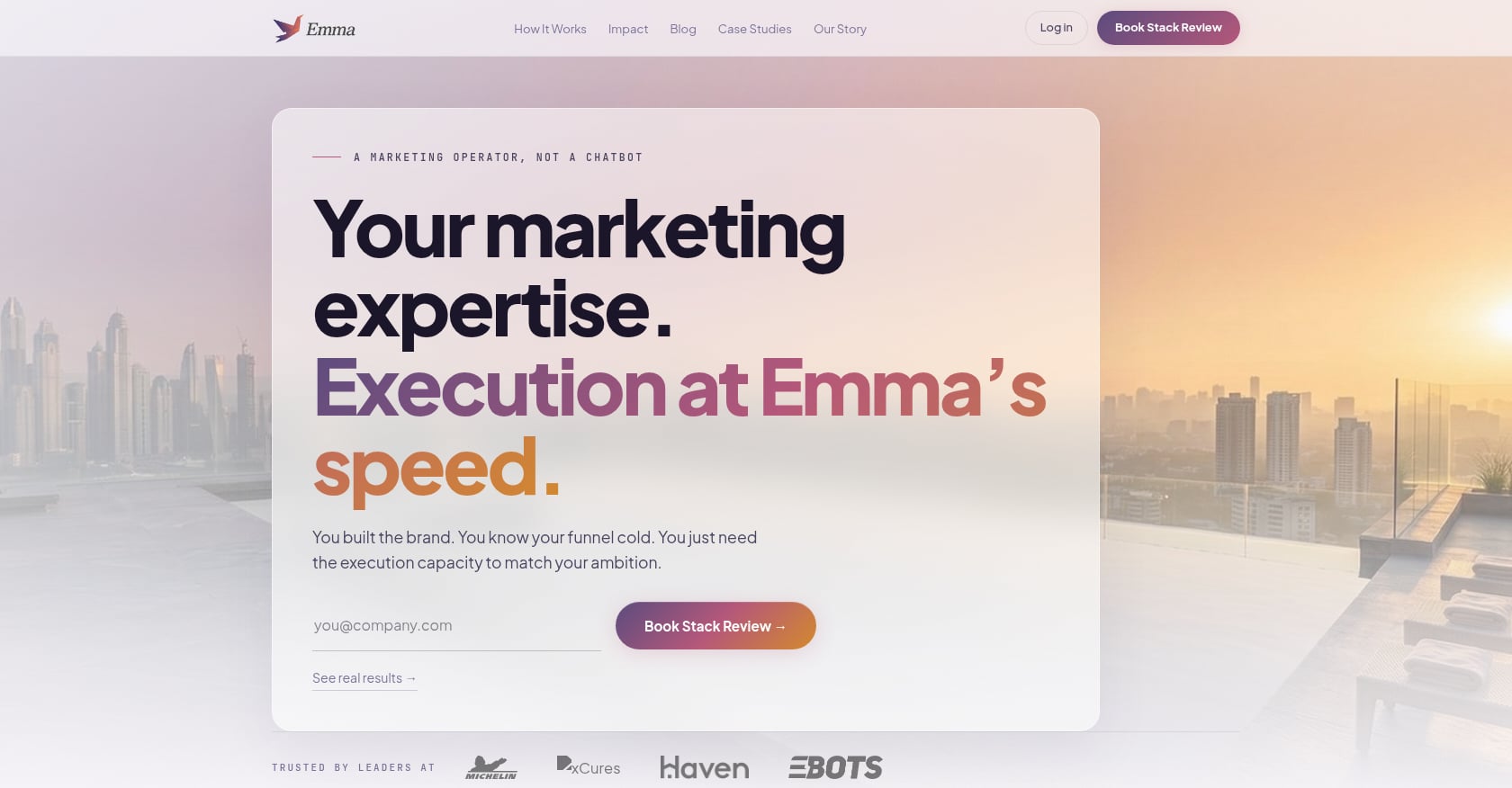
AgentWeb is not a CRM. It belongs in this guide because many founders searching for an AI-native CRM are actually trying to solve a different problem: they need campaigns shipped, content produced, outbound running, and performance reviewed on a weekly cadence. A smarter contact database does not create that motion.
AgentWeb is an AI plus human go-to-market execution service. It uses an agentic AI marketer called “Emma” alongside a senior operator team to run marketing for startups and lean teams.
Pricing:
- Self-serve (DIY): 7-day free trial, then $199/month via Stripe
- Custom Workflows (AI-led co-pilot): seasonal pricing, contact sales
- Done-for-you (Human-led Growth Ops): seasonal pricing, contact founders@agentweb.pro
Key features:
- Agentic AI marketer “Emma” for content and campaign generation
- Prebuilt GTM workflow templates in the self-serve tier
- On-brand content generation and engagement emails
- Performance tracking built in
- Custom workflow buildout in the co-pilot tier
- Full human-led GTM strategy, outbound, paid ads, assets, and weekly performance reviews in the done-for-you tier
- 3-month sprint model for the premium plan
Tradeoffs:
- Not a CRM system of record. If you need a contact database with deal stages and pipeline views, pair AgentWeb with a CRM.
- Best framed as GTM execution infrastructure around your CRM, not a replacement for it.
- For teams whose only pain is contact management, AgentWeb is complementary rather than substitutive.
Who should skip this: Teams that already have a consistent GTM engine and only need a better way to log and organize relationship data.
When it fits: If the honest answer to “why are we looking at AI-native CRM?” is “because we are not generating enough pipeline,” evaluate whether your bottleneck is the CRM or your GTM workflow. For founders who want to ship more marketing without hiring a full team, AgentWeb is the starting point.
2. Lightfield
Best for: Founder-led B2B sales teams doing 10+ meetings per week.
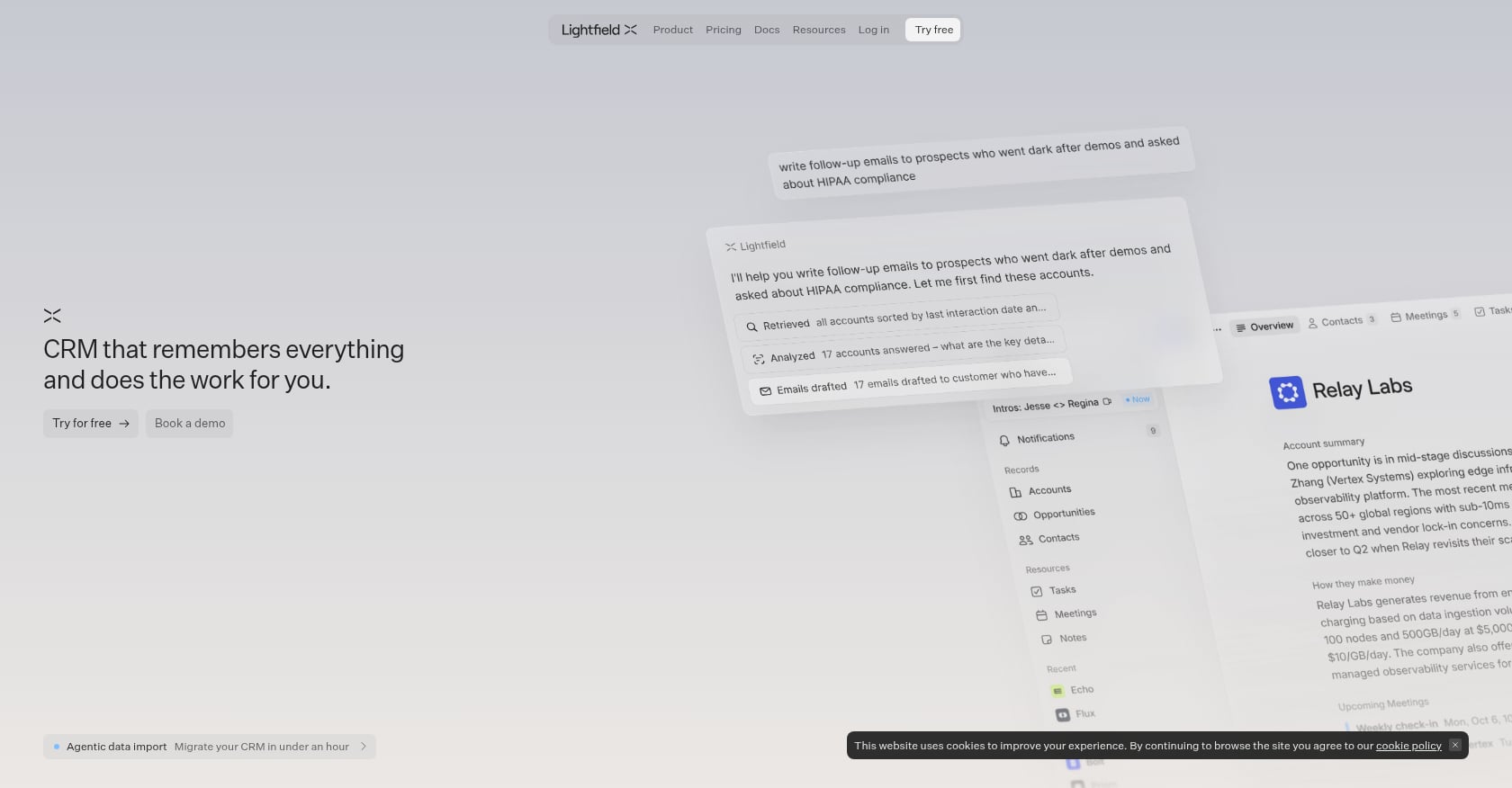
Lightfield is one of the closest products to the strict definition of an AI-native CRM. It reads emails, meetings, and calls, then builds and updates the CRM automatically. It earned #2 Product of the Day on Product Hunt with 678 upvotes source.
Pricing:
- 14-day free trial
- Startup: $79/user/month billed monthly
- Pro: $199/user/month billed annually
Key features:
- Auto-captures emails, calendar events, meetings, calls, contacts, accounts, and opportunities
- Built-in video call recording with searchable transcripts
- Phone call capture and transcription
- Natural-language queries with cited answers across conversation history
- AI auto-population for custom fields
- Auto task generation from meetings
- Ingests up to two years of historical data at signup
Tradeoffs:
- Newer platform with a limited public review base compared to established tools.
- Not ideal for teams that need heavy manual control over schemas, objects, and enterprise workflows.
- Less proven at scale than HubSpot or Salesforce.
Who should skip this: Enterprise teams that need deep reporting, complex permissions, or a mature integration ecosystem today.
3. Attio
Best for: Product-led startups and venture teams that need a flexible, custom data model.
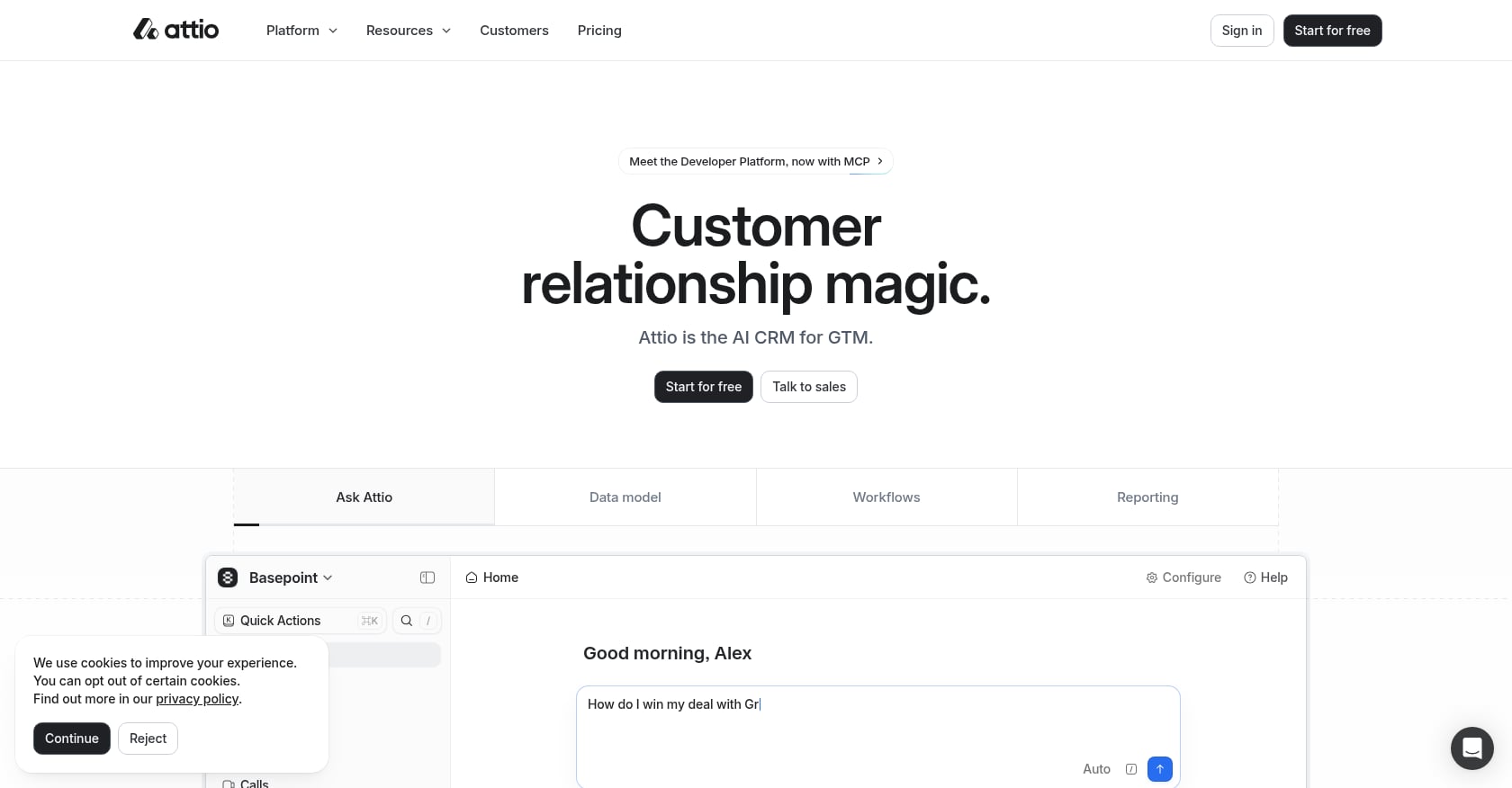
Attio is not fully autonomous in the way Lightfield or Clarify aims to be, but it offers a modern, flexible CRM architecture that can be shaped around nonstandard GTM motions. Think of it as the “build your own” option.
Pricing:
- Free: up to 3 seats
- Plus: $29/user/month
- Pro: $69/user/month
Key features:
- Custom objects and lists for any relationship model
- Flexible CRM data structure
- Contact, account, and pipeline management
- Workflow automation
- API and integrations
- AI querying (users report querying through Claude via MCP)
Tradeoffs:
- Requires time to model the CRM correctly. Not plug-and-play for nontechnical founders.
- Integration ecosystem is still lighter than HubSpot or Salesforce.
- G2 reviewers mention slower feature-request tracking and some limits in automation control.
Real user perspective: One G2 reviewer said Attio replaced multiple tools and helped centralize scattered data. Others praise the modern UX and note it is simpler and more affordable than Salesforce, but warn about integration gaps source.
Who should skip this: Teams that want an out-of-the-box autonomous CRM with zero configuration.
4. Day AI
Best for: Call-heavy revenue and product teams that want a conversational CRM with deep context.
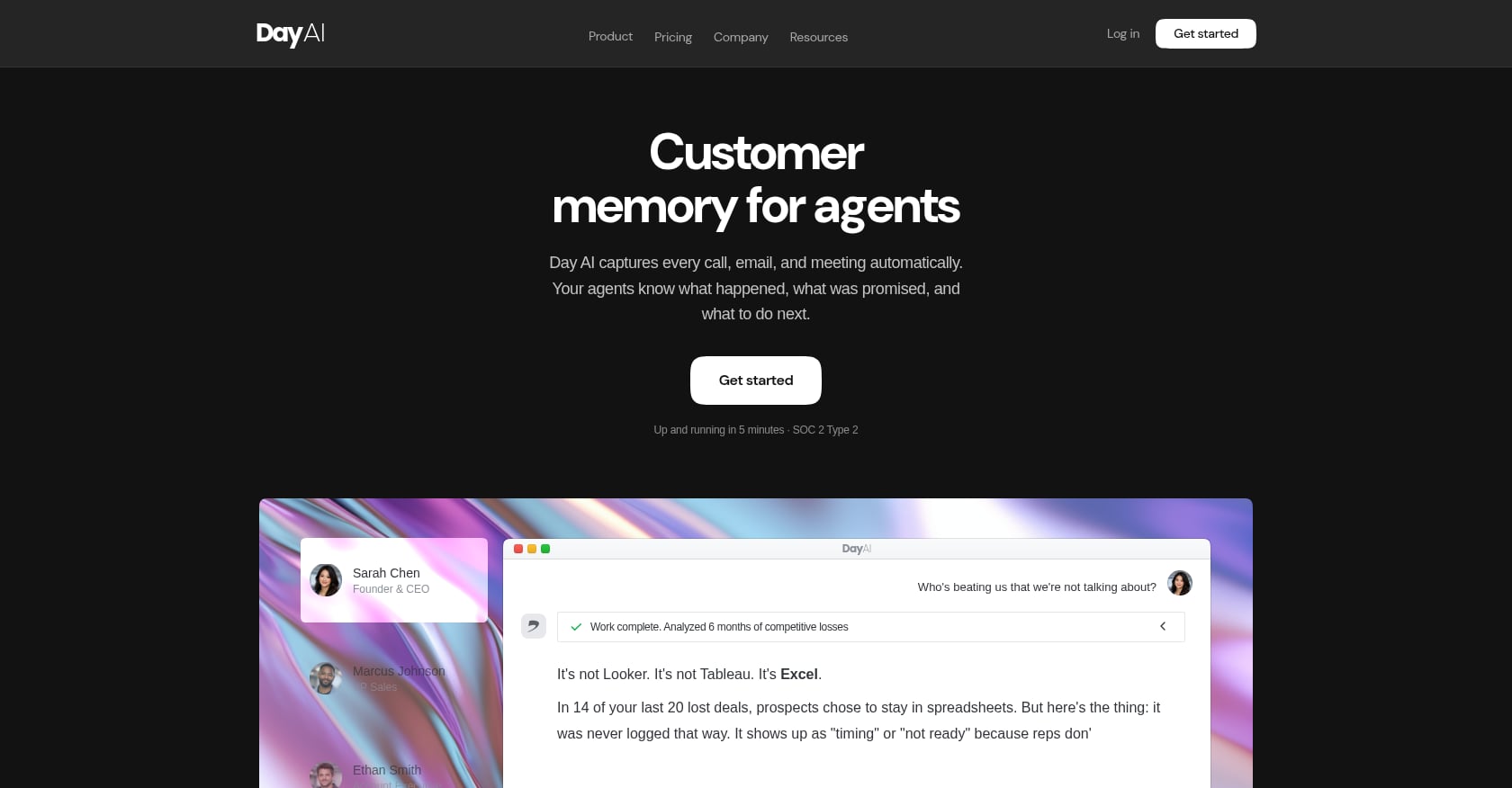
Day AI was founded by former HubSpot CPO Christopher O’Donnell and represents the “CRMx” direction: a context graph that ingests calls, emails, Slack messages, billing data, and product usage, then lets you ask natural-language questions across all of it.
Pricing:
- Free tier available
- Turbo: $30/month
- Professional: $75/month
- Executive: $250/month
- Reported 20% annual discount
Key features:
- Conversational assistant for querying customer context
- Auto-ingests from calls, emails, Slack, billing systems, and product usage
- Natural-language pipeline configuration
- Task management and follow-up reminders
- Integrations with Google Workspace, Zoom/Meet/Teams, Slack, MCP clients, and API access
Tradeoffs:
- The assistant-centric model may require good prompting habits to get consistent value.
- Pricing uses “assistant” and “schedule” concepts that need explanation before committing.
- Public independent review base is thinner than mature CRMs.
Real user perspective: ToolDirectory.AI lists Day.ai with a 4.73 score and 155 review signals source. Independent deep reviews remain limited compared to established tools, so request a trial before committing.
Who should skip this: Teams that rely primarily on written or social selling rather than calls and meetings.
5. Clarify
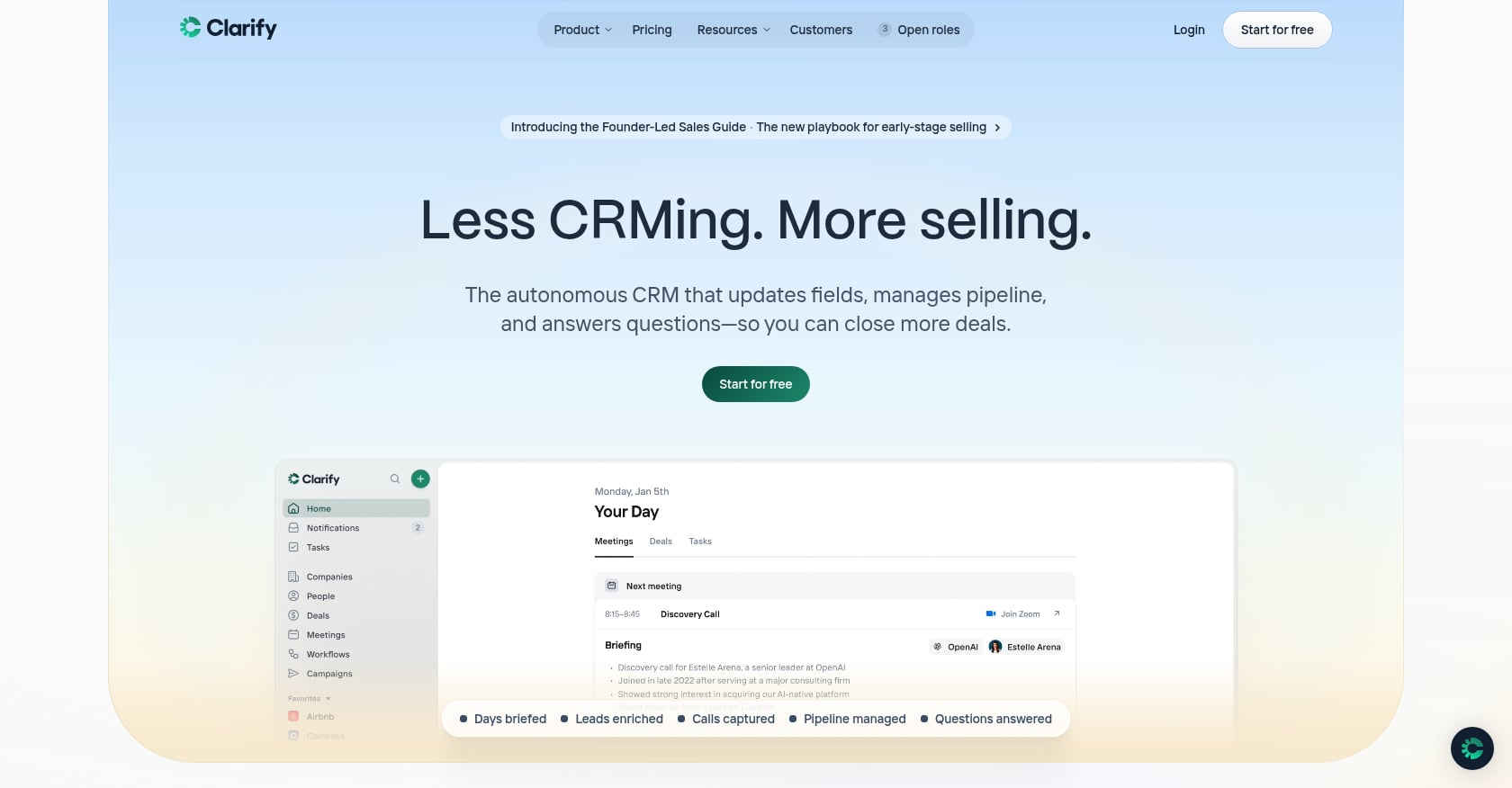
Best for: Solo operators and small teams that want a self-updating CRM without heavy setup.
Clarify positions itself as an autonomous CRM. It automatically creates deals, updates records after meetings, and enriches contacts without manual input. The pitch is compelling for founders who hate CRM admin.
Pricing:
- Free plan available
- $20/month base plus credit-based usage system
- Unlimited users on the paid plan
- Credit top-ups available, but total cost depends on volume of AI actions
Key features:
- Automatically creates and updates deals
- Meeting sync with built-in AI note-taker
- AI summaries and enrichment
- Email sync
- Tasks and simple dashboard
- Filtered views and basic analytics (average sales cycle, win rate, deal size, closed value)
Tradeoffs:
- Credit-based pricing can be opaque. Credits are consumed by auto nudges, deal creation, meeting summaries, field updates, and workflow runs, making the bill hard to forecast.
- Limited native integrations. No calling or B2B social integrations cited in third-party reviews.
- Multiple pipeline limitations.
- Less suitable for mature RevOps teams that need complex reporting.
Real user perspective: Salesdorado rates Clarify 4.0 overall, praising its AI-driven day-to-day sales use and clear UX, while noting that analytics and integrations are limited and that the credit model is “not transparent enough to easily anticipate the bill” source.
Who should skip this: Teams running complex multi-pipeline sales processes or those that need deep integrations with calling platforms and social tools.
6. Breakcold
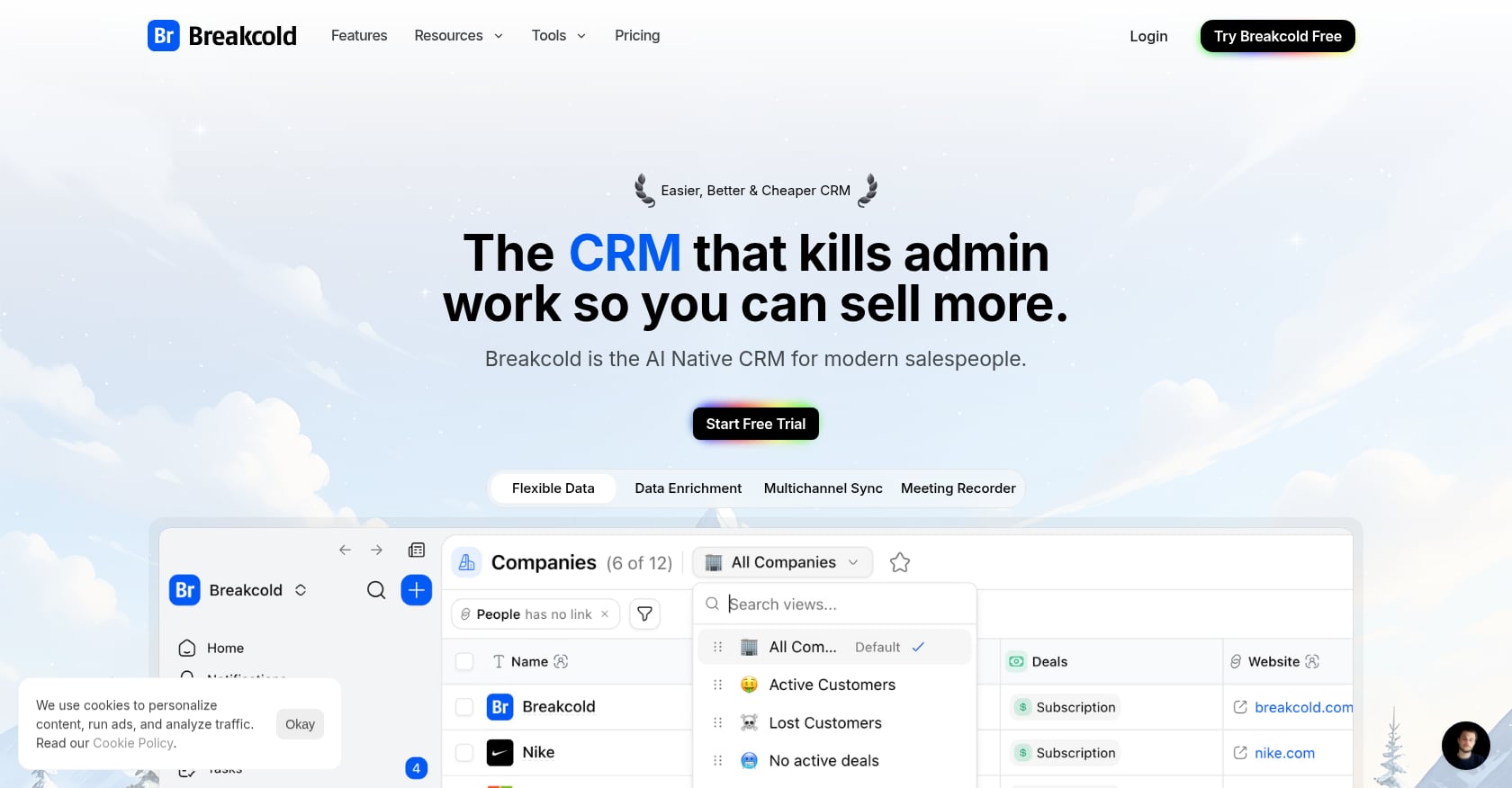
Best for: Early-stage B2B teams that prospect and close through LinkedIn and social channels.
Breakcold is an AI-native CRM built around social selling. If your sales motion involves LinkedIn conversations, WhatsApp messages, and Telegram threads rather than cold calls, this is the most purpose-built option.
Pricing:
- Starts at $29/user/month
- Best early-stage features are closer to the $59/month tier
Key features:
- Auto-lead movement based on interactions
- Auto-task creation
- Vision Builder for natural-language AI workflows
- AI-powered CRM dashboard
- AI contact management and agent personalities
- LinkedIn, WhatsApp, Telegram, and email-oriented selling workflows
Tradeoffs:
- Breakcold itself says it is not the best fit for teams doing cold calls because it lacks calling solution integrations and built-in VOIP.
- G2 reviewers note a learning curve and usage-limit changes.
- Social-channel focus may be too narrow for teams needing classic enterprise CRM workflows.
Real user perspective: A G2 reviewer described Breakcold as “a unique way to use LinkedIn for prospecting” but said the learning curve takes a while, adding that it “pretty much only integrates with LinkedIn” in their workflow source. For teams interested in building a founder-led LinkedIn presence, Breakcold’s CRM features pair well with a dedicated content and engagement strategy.
Who should skip this: Cold-calling teams, enterprise sales orgs, or anyone whose primary channel is not LinkedIn or social messaging.
7. folk
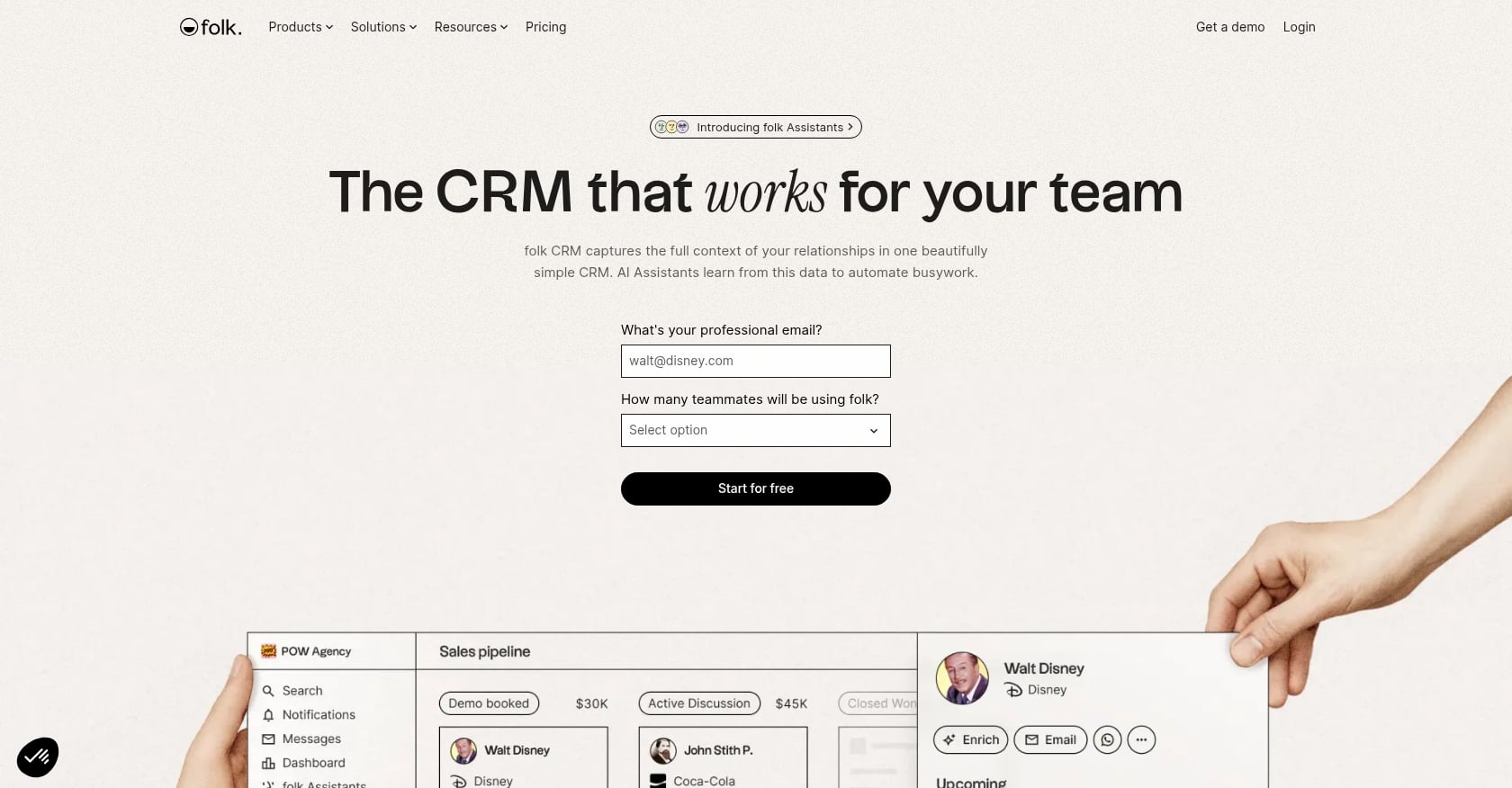
Best for: Small teams, agencies, and anyone doing network-led or relationship-driven sales.
folk is a lightweight relationship CRM that captures contacts from LinkedIn and Gmail, enriches records, and layers pipelines on top. It is more AI-assisted than truly AI-native by the strict definition, but it fills a clear gap for teams that do not need heavy automation.
Pricing:
- Standard: $24/member/month billed annually ($30 monthly)
- Premium: $48/member/month billed annually
Key features:
- LinkedIn and Gmail capture via Chrome extension
- Contact enrichment
- AI icebreakers and follow-up suggestions
- Unified timelines across email and WhatsApp
- Flexible pipelines
- Simple, clean interface
Tradeoffs:
- No mobile app (a pain point cited by multiple users).
- Analytics and reporting still feel early.
- Per-seat pricing becomes painful as headcount grows.
- Not a deeply autonomous system.
Real user perspective: A Reddit user advising a small team of three said folk sits in “a reasonable middle ground: contacts-first, pipeline layered on top,” and that the Chrome extension for LinkedIn imports “actually works.” The same user flagged the lack of a mobile app and early analytics as honest cons source.
Who should skip this: Teams that need mobile access, deep reporting, or full CRM autonomy.
8. HubSpot Sales Hub
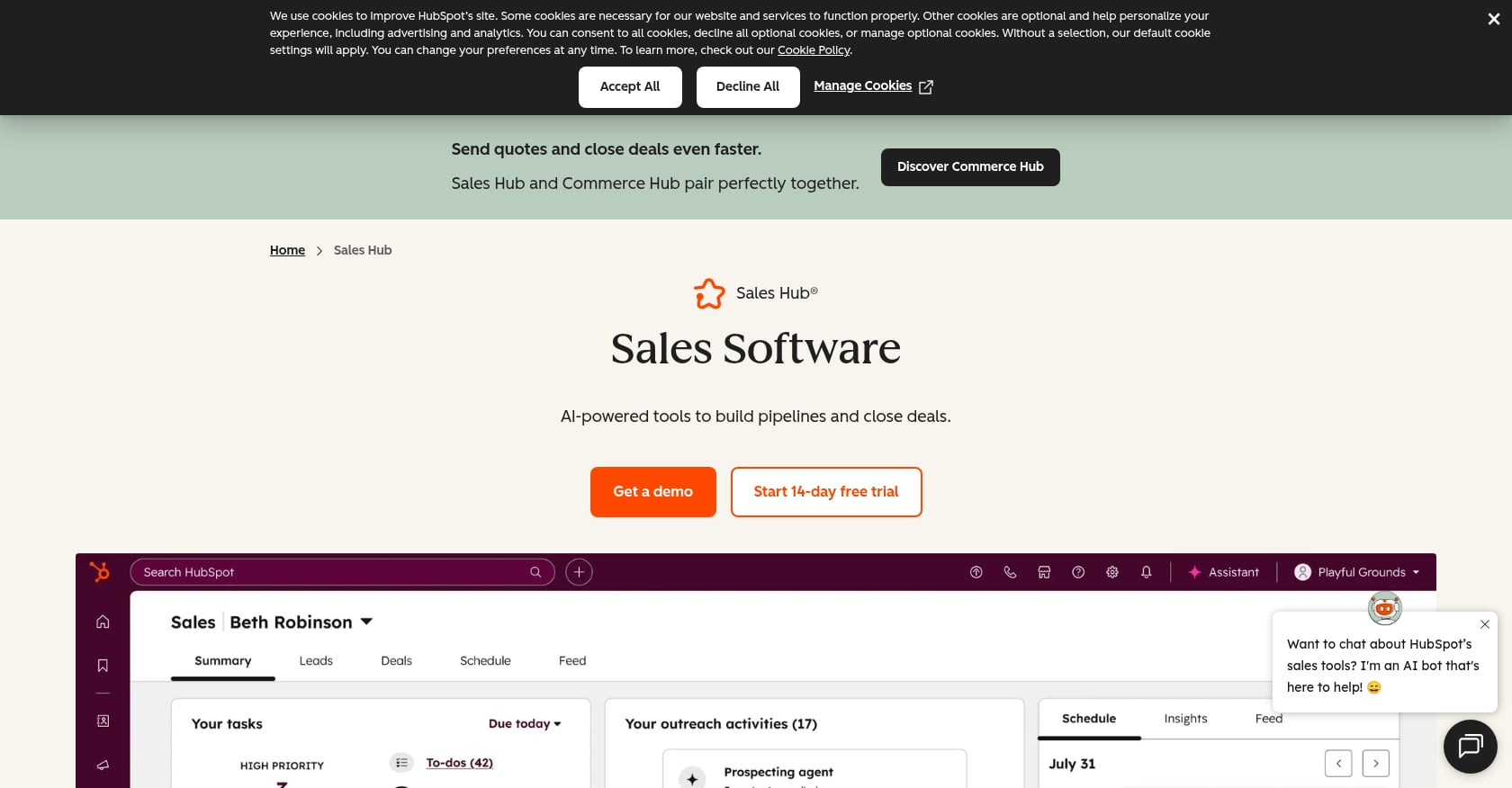
Best for: Teams that want a mature CRM, marketing, sales, and service ecosystem in one platform.
HubSpot is not an AI-native CRM by any strict definition. It is an established CRM that has been adding AI features over the past two years. It appears in this guide because many founders evaluating AI-native alternatives will consider sticking with HubSpot, and they deserve an honest comparison.
Pricing:
- Free CRM available
- Sales Hub Starter: $20/core seat/month
- Professional: $100/sales seat/month
- Enterprise: $150/sales seat/month
Key features:
- Contact, account, and pipeline management
- Marketing automation and email marketing
- Campaign management
- Lead management and scoring
- Customer support and case management
- Mobile and social features
- Broad integration marketplace
Tradeoffs:
- Not AI-native. AI features are layered onto a traditional CRM architecture.
- Advanced reporting and automation are locked behind Professional and Enterprise tiers.
- Costs rise significantly as teams scale and add hubs.
- Complex customization takes time.
Real user perspective: G2 reviewers praise structure, ease of setup, pipeline visibility, and workflow standardization. The consistent criticism is that the useful features often sit behind expensive tiers, and cost escalation catches growing teams off guard source.
For startups running HubSpot who want to layer email marketing automation and campaign execution on top, the CRM can stay as the system of record while a GTM layer handles the output.
Who should skip this: Solo founders or tiny teams that need simplicity and cannot justify $100+/seat for the features that actually matter.
9. Pipedrive
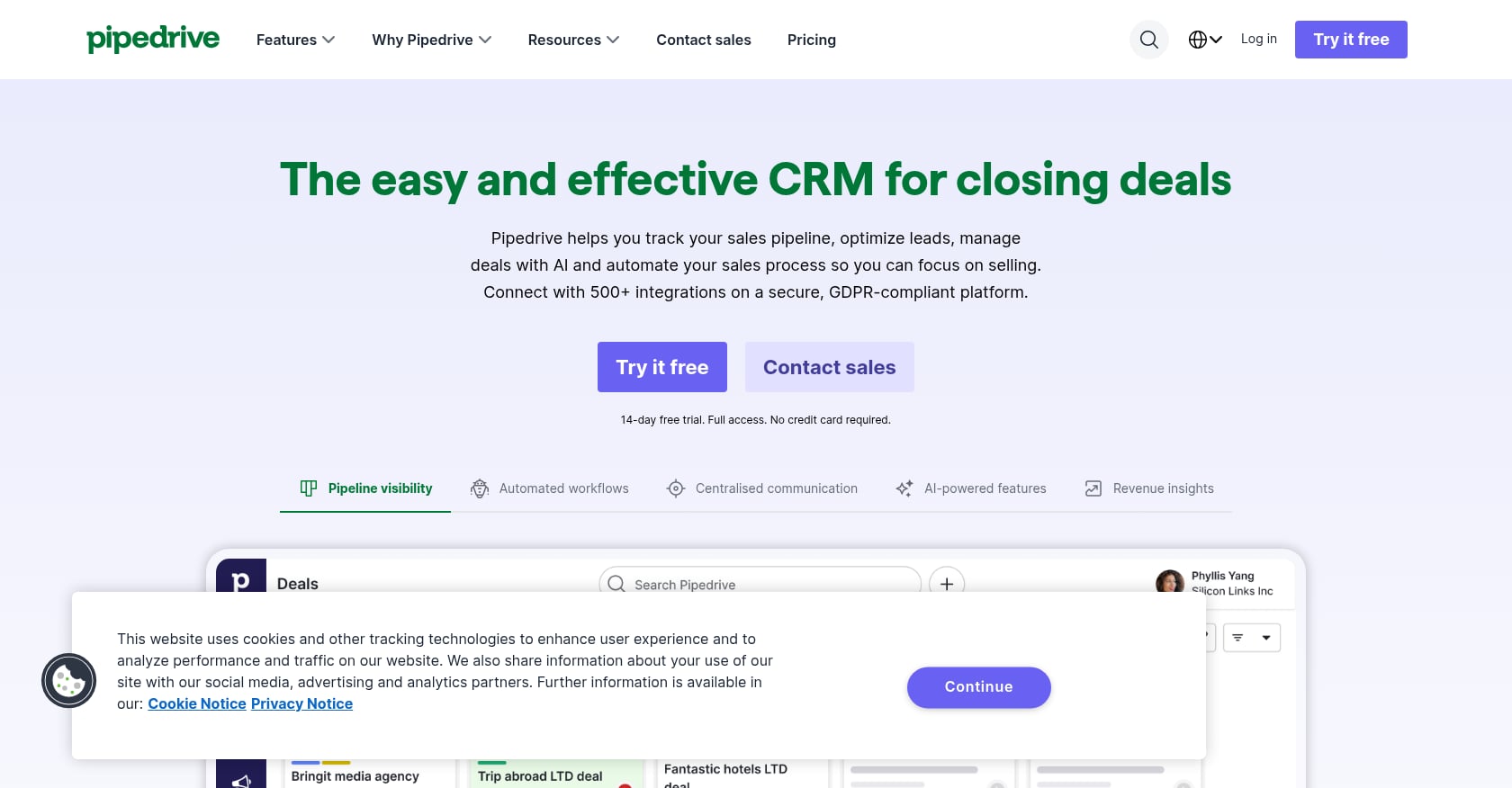
Best for: Sales-led SMBs that want a simple, visual pipeline without the complexity of a full platform.
Pipedrive is the “just works” option. It is not AI-native, and it does not pretend to be. But for teams leaving spreadsheets who prioritize adoption over AI autonomy, it remains a solid choice.
Pricing:
- Lite: $24/seat/month
- Growth: $49/seat/month
- Premium: $79/seat/month
Key features:
- Visual drag-and-drop pipeline
- Contact and deal management
- Task and activity management
- Email marketing and tracking
- Mobile support
- Automations for repetitive tasks
Tradeoffs:
- Not AI-native. AI features are limited to light assistance.
- Advanced reporting and automations require higher-priced plans.
- Customization is limited for complex business models.
- Marketing depth is thinner than HubSpot.
Real user perspective: G2 users praise ease of use and visual pipeline management. A common complaint is that companies looking for an all-in-one CRM find Pipedrive incomplete, and advanced automation often requires the Premium tier source.
Who should skip this: Teams that want AI auto-capture, autonomous deal updates, or deep marketing automation built in.
Do You Actually Need to Switch to an AI-Native CRM?
This is the question most listicles avoid, and it is the one that matters most.
Practitioners on Reddit are blunt about the tradeoffs. In one thread, users argued that newer AI-first tools feel smarter and lighter day to day, but established CRMs often win when teams need depth, reporting, scalability, and ecosystem reliability. The “biggest mistake,” as one commenter put it, is expecting an AI CRM to fix a bad sales process source.
Another Reddit thread distilled the useful AI capabilities down to specifics: follow-up surfacing, call summaries, risk flags, and context handoffs. The stuff that does not help? Generic “AI insights” that nobody reads source.
Here is a decision framework:
Switch to an AI-native CRM if:
- You are early-stage with a small team and little CRM history.
- CRM adoption is low because reps refuse to log activity manually.
- Most of your customer knowledge lives in meeting recordings, email threads, and call notes.
- Your current CRM is a ghost town.
Stay with your current CRM if:
- Your CRM is deeply integrated with 5 to 15 other tools.
- Reporting works and the team is productive.
- Migration would cost months of retraining and data cleanup.
- Your problems are not about CRM admin.
Add a GTM execution layer if:
- CRM data exists but campaigns, content, outbound, and follow-up are not happening consistently.
- The issue is not stale data. The issue is that nobody is turning data into action.
- You need a weekly operating rhythm of multichannel campaigns without a full team.
The AI-native CRM removes admin drag. It does not invent your ICP, sales stages, messaging, or follow-up discipline.
The Hidden Cost Trap: AI Credit-Based Pricing
Traditional CRM pricing is per-seat, per-month. You can forecast it. AI-native CRMs introduce a new variable: credits.
Clarify’s model illustrates the risk. Credits get consumed by auto nudges, deal creation, meeting summaries, meeting prep, field updates, autofill, and workflow runs. Salesdorado warns the credit model is attractive but “not transparent enough to easily anticipate the bill” source.
Before committing to any credit-based AI CRM, estimate these numbers:
- Meetings per rep per month
- Emails or follow-ups generated per rep
- Number of deals created or updated automatically
- Number of automated workflows running
- Whether summaries, nudges, and field updates each consume separate credits
- Whether unused credits roll over
- Whether overages trigger automatic billing
If the vendor cannot give you a clear answer on these questions, that is a red flag.
Why the Market Is Moving This Direction
The shift toward AI-native CRM is not hype for its own sake. It is driven by real productivity pain.
Salesforce’s 2024 State of Sales research found that sales reps spend 70% of their time on non-selling tasks, and 83% of sales teams using AI reported revenue growth versus 66% without AI source. Their 2026 report shows the next phase: 54% of sales teams with AI agents use them now, another 34% expect to within two years, and 94% of sales leaders with agents say they are critical for meeting business demands source.
But the same 2026 report contains a warning: 84% of data and analytics leaders say their data strategies need an overhaul to reach AI goals, and 42% of sales reps say they are overwhelmed by too many tools source. AI agents are only as strong as the data they work with. Buying an AI-native CRM without fixing data quality and process clarity first just makes the mess faster, as Reddit users repeatedly point out.
For founders thinking about this broader picture, understanding your startup marketing team structure is just as important as picking the right CRM. The CRM is one piece of the operating system, not the whole thing.
AI-Native CRM Evaluation Checklist
Use this before signing up for any tool:
- Auto-capture: Does it capture calls, emails, meetings, and social activity without manual input?
- Data model: Can it structure unstructured interactions into contacts, deals, tasks, and custom fields?
- Workflow autonomy: Can it execute or queue next steps (follow-ups, stage changes, task creation) with human approval?
- Source citations: Does it show evidence for its recommendations, or is it a black box?
- Pricing predictability: Can you model the real monthly cost at your team’s volume, including credit usage?
- Integration depth: Does it connect to your email, calendar, calling, marketing, and billing tools?
- Security and permissions: Salesforce’s 2026 report found 76% of sales pros with agents say customers ask detailed data security questions, and 51% say security concerns delayed AI initiatives source. Ask about data residency, encryption, access controls, and SOC 2 compliance.
- Migration effort: What does it take to move historical data in? What do you lose?
- Reporting: Can you get the pipeline, forecast, and activity reports your team actually needs?
- GTM execution support: Does the tool help you ship campaigns, or does it only organize contacts? If it only organizes, you will need a separate execution layer, and understanding agentic AI marketing tools can help you fill that gap.
Final Recommendation
The right choice depends on what is actually broken.
If your CRM is empty because nobody updates it, choose a true AI-native CRM. Lightfield, Day AI, Clarify, and Breakcold each solve the auto-capture problem in different ways depending on your sales motion.
If your CRM has decent data but nothing is being shipped, the CRM is not your bottleneck. Campaigns, content, outbound, and performance review are. That is what AgentWeb is built for: combining AI-powered workflows with human operators to create a weekly GTM execution rhythm for startups that cannot (or should not) hire a full marketing team yet. You can see how this works in practice through AgentWeb’s startup case studies.
If you need stability, forecasting, permissions, and a deep integration ecosystem, HubSpot or Salesforce may still be the safer bet, even if they are not AI-native by the strict definition.
And if you just need a clean pipeline with a visual interface and nothing fancy, Pipedrive is enough.
The highest-leverage move for early-stage startups is often not a smarter database. It is a system that turns positioning, content, outbound, email, and performance review into something that actually ships every week. Getting that right matters more than which CRM logo is on your login screen.
Frequently Asked Questions
What is an AI-native CRM?
An AI-native CRM is a customer relationship system where AI is part of the core architecture, not an add-on. It automatically captures interactions (emails, calls, meetings), structures relationship data, enriches records, summarizes context, and recommends or executes next actions. Traditional CRMs store what humans enter. AI-native CRMs observe the work and update themselves.
How is an AI-native CRM different from an AI-powered CRM?
An AI-powered (or AI-assisted) CRM is a traditional CRM that added features like email writing, lead scoring, or summaries on top of an existing architecture. An AI-native CRM was designed from the ground up with AI as the operating layer, handling data capture, record updates, and workflow execution autonomously. The difference is structural, not just a feature list.
What is the best AI-native CRM for startups?
It depends on your sales motion. For founder-led teams with heavy meeting volume, Lightfield is the strongest true AI-native option. For social selling through LinkedIn, Breakcold is purpose-built. For solo operators who want zero CRM setup, Clarify is the lightest option. For teams that need flexible custom data models, Attio is the best fit. If the real bottleneck is GTM execution rather than CRM admin, evaluate whether a GTM execution layer like AgentWeb solves the actual problem.
Should I switch from HubSpot or Salesforce to an AI-native CRM?
Not necessarily. If your current CRM is deeply integrated, reporting works, and the team is productive, switching carries real migration risk: months of retraining, data cleanup, and broken integrations. Consider adding AI tools or a GTM execution layer on top instead. Switch only if you are early-stage, CRM adoption is low, and most customer knowledge is trapped in meetings and emails that nobody logs.
What does AI-native CRM software cost?
Pricing varies widely. True AI-native CRMs range from free tiers (Clarify, Day AI) to $79 to $199 per user per month (Lightfield). Modern flexible CRMs like Attio start at $29 per user per month. Established CRMs with AI features range from free (HubSpot) to $150 per seat per month for enterprise tiers. Watch for credit-based pricing models where the real cost depends on how many AI actions (summaries, auto-updates, nudges) your team triggers monthly.
What are the risks of AI-native CRM tools?
The main risks are data quality dependency (AI amplifies messy data), credit-based pricing unpredictability, limited integrations compared to mature platforms, thinner public review bases for newer tools, and potential security gaps. Salesforce’s 2026 data shows 51% of sales pros say security concerns delayed AI initiatives. Always ask about data residency, encryption, and compliance before signing up.
Do I need a CRM or a GTM execution platform?
If your problem is “reps do not log activities and our contact data is stale,” you need a CRM (ideally an AI-native one). If your problem is “we are not shipping campaigns, content, outbound, or follow-ups consistently,” you need a GTM execution platform. Many early-stage startups need both, but the execution layer typically has higher ROI when pipeline generation is the bottleneck. You can centralize marketing tasks without hiring ops as a first step.
Which AI-native CRM is best for founder-led sales?
Lightfield is designed specifically for founder-led teams doing 10+ meetings per week. It auto-captures emails, meetings, and calls, generates tasks from conversations, and lets you query across your full conversation history in natural language. Day AI is a strong alternative for founders who want a conversational interface and context graph across calls, emails, and Slack.
Get a free Stack Review.
30 min with Harsha and Matt.
We audit your last 30 days, pinpoint the highest-impact fixes, and hand you the exact playbook we'd run. No deck. No pitch unless there's a fit.