10 Best AI Landing Page Generator Tools in 2026 (Tested)


TL;DR
AI landing page tools drastically reduce initial production times from days to mere minutes. However, the software itself only solves half of the digital marketing equation.
To maximize conversion rates, you must match your specific platform selection to your budget, tech stack, and ad distribution channels. While tools like Unbounce, Framer, and Elementor AI generate clean baseline structures instantly, long-term ROI still depends on regular human copy iteration, behavioral alignment, and programmatic A/B testing loops.
Why AI Landing Page Generators Matter Right Now
Nearly half of marketers (47%) say building landing pages takes too long. Meanwhile, the median landing page conversion rate sits at just 6.6% across industries, and SaaS companies fare even worse at 3.8%. There’s a massive gap between how much time teams spend building pages and how well those pages actually perform.
AI landing page generators are closing that gap fast. The market for landing page creation software hit an estimated $2.5 billion in 2025, with 15% annual growth projected through 2033. Adoption of AI website builders has jumped 50% in the past 12 months alone.
But here’s what most comparison articles miss: generating a page is step one. The real results come from iterating week over week, matching your page messaging to your ad copy, and building a system around that page. A tool gives you speed. Strategy gives you conversions.
This guide helps you pick the right AI landing page generator for your situation AND understand where tools end and execution begins.
Quick Takeaway: What is the Best AI Landing Page Generator?
If you want a fast answer, the best AI landing page generator depends entirely on your current volume, ad spend, and tech stack:
Best Overall for Paid Campaigns: Unbounce (Uses native Generative UI and Smart Traffic AI to dynamically route users to high-converting page variants).
Best for Design & Aesthetics: Framer (Generates stunning, modern, agency-grade visual layouts from a single text prompt).
Best for Total Beginners & Budget: Dorik AI (Offers a remarkably robust free tier that supports custom domains and clean prompt-to-page generation).
Best for WordPress Sites: Elementor AI (Features "Angie," an autonomous AI agent capable of writing custom code snippets and building widgets natively via the Model Context Protocol).
SEO Key Insight: While AI tools reduce initial landing page build time by up to 80%, ultimate conversion success does not depend on the tool itself. Top-performing pages require human copywriting oversight, precise keyword alignment with your ad groups, and persistent post-launch A/B testing.
At-a-Glance Comparison Table
2026 AI Landing Page Software: At-a-Glance Comparison
Tool | Starting Price | AI Capability Type | Built-In A/B Testing? | Primary Use Case |
Unbounce | $74/mo (billed annual) | Generative UI & Smart Traffic routing | Yes (All Tiers) | Performance teams with $5k+ monthly ad spend |
Leadpages | $37/mo (billed annual) | Copywriting & Leadmeter conversion grades | Pro Plan & Above | Solopreneurs and local small businesses |
Instapage | $79/mo (billed annual) | AdMap structural matching & AI Copy | Optimize Plan ($159+) | Marketing agencies scaling enterprise clients |
Landingi | $29/mo (billed annual) | Lunar AI Engine (Complete generation) | Optimize Plan & Above | High-volume campaigns and multi-language setups |
Dorik AI | $0 (Free Forever tier) | Full multi-page layout generation | No (Requires integration) | Pre-revenue founders validating early ideas |
Framer | $0 (1 Basic Site plan) | High-fidelity aesthetic styling | No | Design-first brands and modern startups |
Perspective | $62/mo (billed annual) | Vertical mobile-scroll optimized funneling | Yes | Social media marketers (TikTok, IG, FB Ads) |
Lovable | $0 (30 credits/mo) | Chat-driven full React application building | No | Tech teams needing embedded interactive demos |
HubSpot | Bundled in CRM | Campaign Assistant copywriting | Marketing Hub Pro ($800+) | Enterprises fully locked into the HubSpot CRM |
Elementor AI | $348/yr (Core bundle) | Angie Autonomous Agentic Architecture | No (Requires WP plugin) | WordPress power users and web developers |
Quick Guide: How to Choose Based on Your Situation
Stop comparing feature lists. Start by matching the tool to where you are right now.
Validating an idea on a tight budget? Dorik or Framer. Both have free tiers, both generate pages from prompts, and neither will punish you with overage fees while you’re finding product-market fit. Before spending on tools, consider validating your channels first.
Running $5K+ per month in paid ads? Unbounce or Perspective. You need A/B testing and traffic routing built in, not bolted on. Every percentage point of conversion lift compounds against your ad spend.
Managing multiple client campaigns? Landingi or Instapage. You need volume, sub-accounts, and reusable components.
Already on WordPress? Elementor AI is your only real option that doesn’t require migrating everything.
Need more than just a page? If your bottleneck isn’t page creation but the entire campaign system around it (ads, copy, testing, iteration), you need a go-to-market execution partner, not just another tool.
The 10 Best AI Landing Page Generators
1. Unbounce
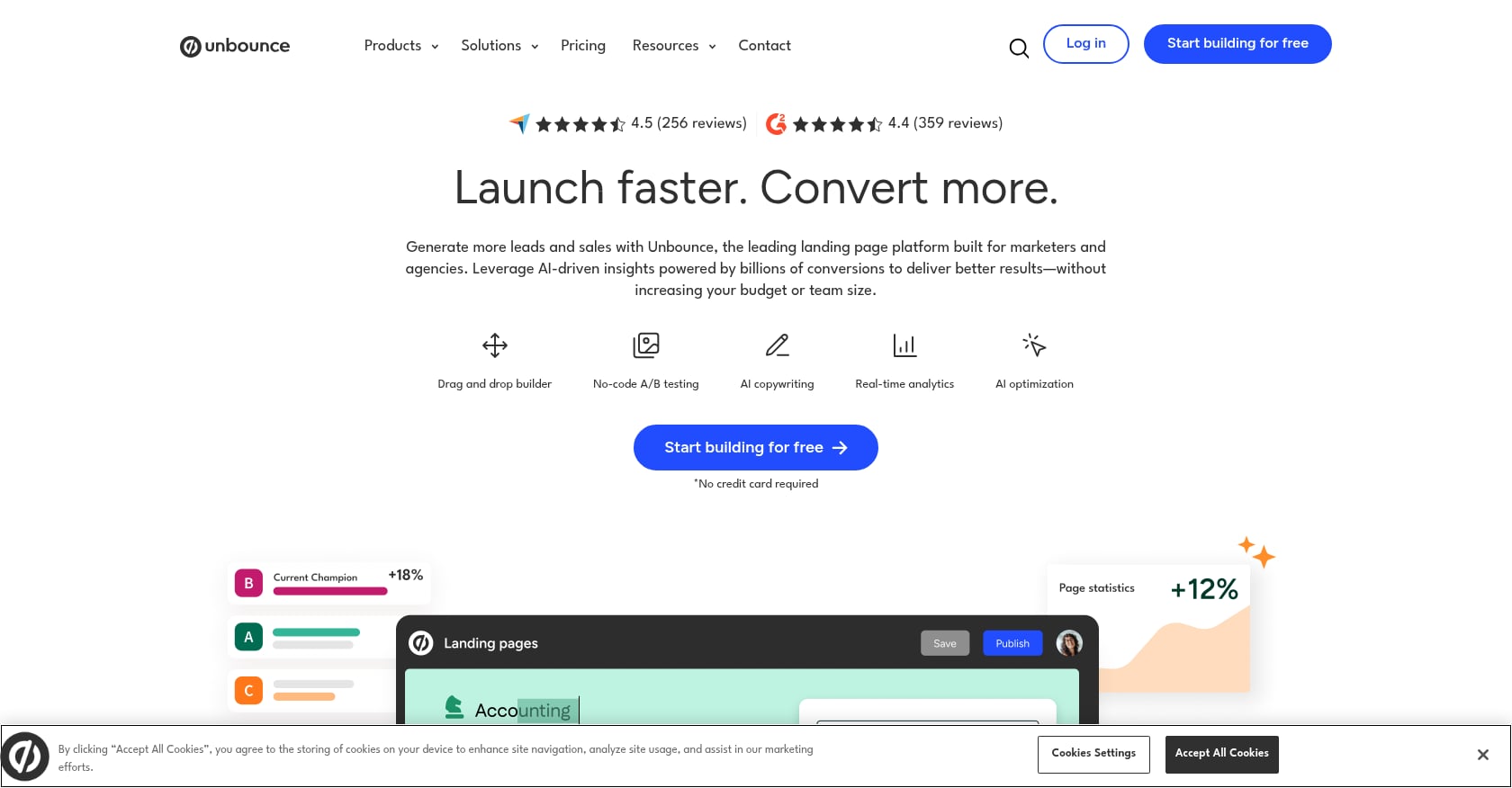
Best for: Performance marketers running paid campaigns with $5K+ monthly ad spend who need automated traffic optimization.
Pricing:
Build: $74/mo (annual) or $99/mo (monthly)
Experiment: $112/mo (annual)
Optimize: $187/mo (annual)
Concierge: custom pricing
14-day free trial, no credit card required
Key features:
Smart Traffic uses AI to analyze visitor attributes (device, location, time of day) and routes each person to the variant most likely to convert, claiming up to a 30% lift in conversions
Generative UI (launched March 2026) lets marketers spawn fully designed, brand-compliant landing page variants from a single text prompt
Drag-and-drop builder with 100+ templates
Built-in A/B testing across all paid plans
Limitations:
Starting price of $74/mo is steep for early-stage startups
Each plan includes visitor caps, pushing fast-growing teams into higher tiers faster than expected
Smart Traffic requires enough traffic volume to be statistically meaningful
User verdict: One verified G2 reviewer reported their subscription increased by 415% in under a year, with usage caps introduced and a 30% monthly penalty for exceeding limits. No added features came with the price hike. This pricing backlash is worth watching if you’re scaling quickly.
Bottom line: The best AI landing page generator for teams already spending heavily on ads. The Smart Traffic feature alone can justify the price if your monthly ad spend is high enough. For everyone else, the cost-per-visitor economics get unfavorable fast.
2. Leadpages
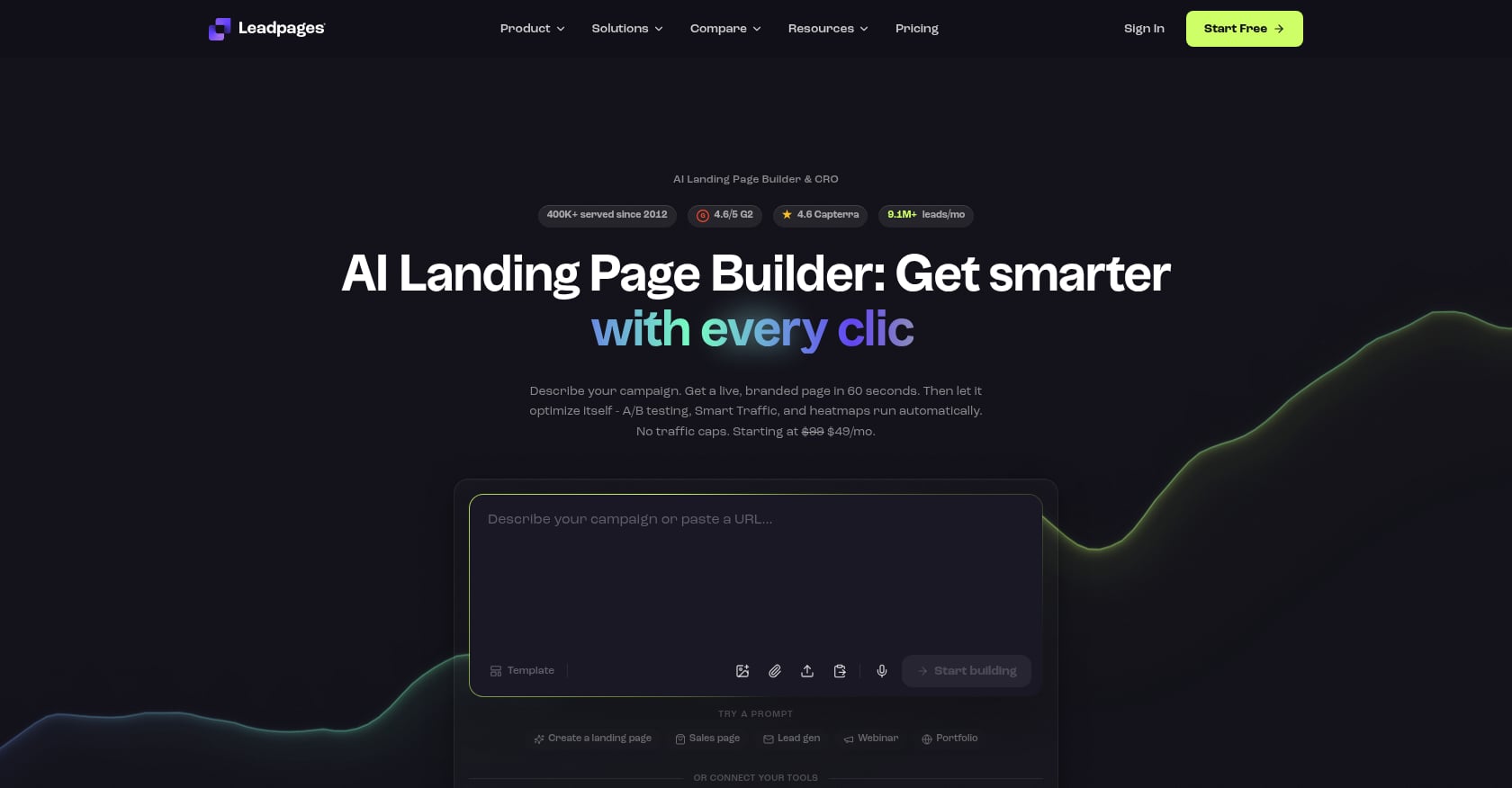
Best for: Small businesses and solopreneurs who want a simple, affordable builder with unlimited traffic.
Pricing:
Standard: $37/mo (annual) or $49/mo (monthly)
Pro: $74/mo (annual)
Advanced: $149/mo (annual)
14-day free trial, no credit card required
Key features:
Leadmeter grades your page against 14 conversion best practices before you publish, covering button contrast, headline length, CTA clarity, and form placement
Unlimited traffic on all plans (no visitor caps)
Conversion-optimized templates designed for lead capture
Responsive customer support gets consistently positive mentions
Limitations:
No AI prompt-to-page generation; AI only assists with copy
A/B testing locked to Pro+ plans
Design flexibility is limited compared to Framer or Webflow
Not ideal for teams that want full creative control over layouts
User verdict: Most users appreciate Leadpages for its straightforward interface. The responsive customer support gets frequent positive mentions. Some users feel limited by the customization options and frustrated that A/B testing requires upgrading.
Bottom line: Leadpages is the “just works” option. It won’t generate an entire page from a prompt, but the Leadmeter feature catches conversion mistakes before you publish. The unlimited traffic model is a genuine advantage over competitors that penalize growth with overage fees.
3. Instapage
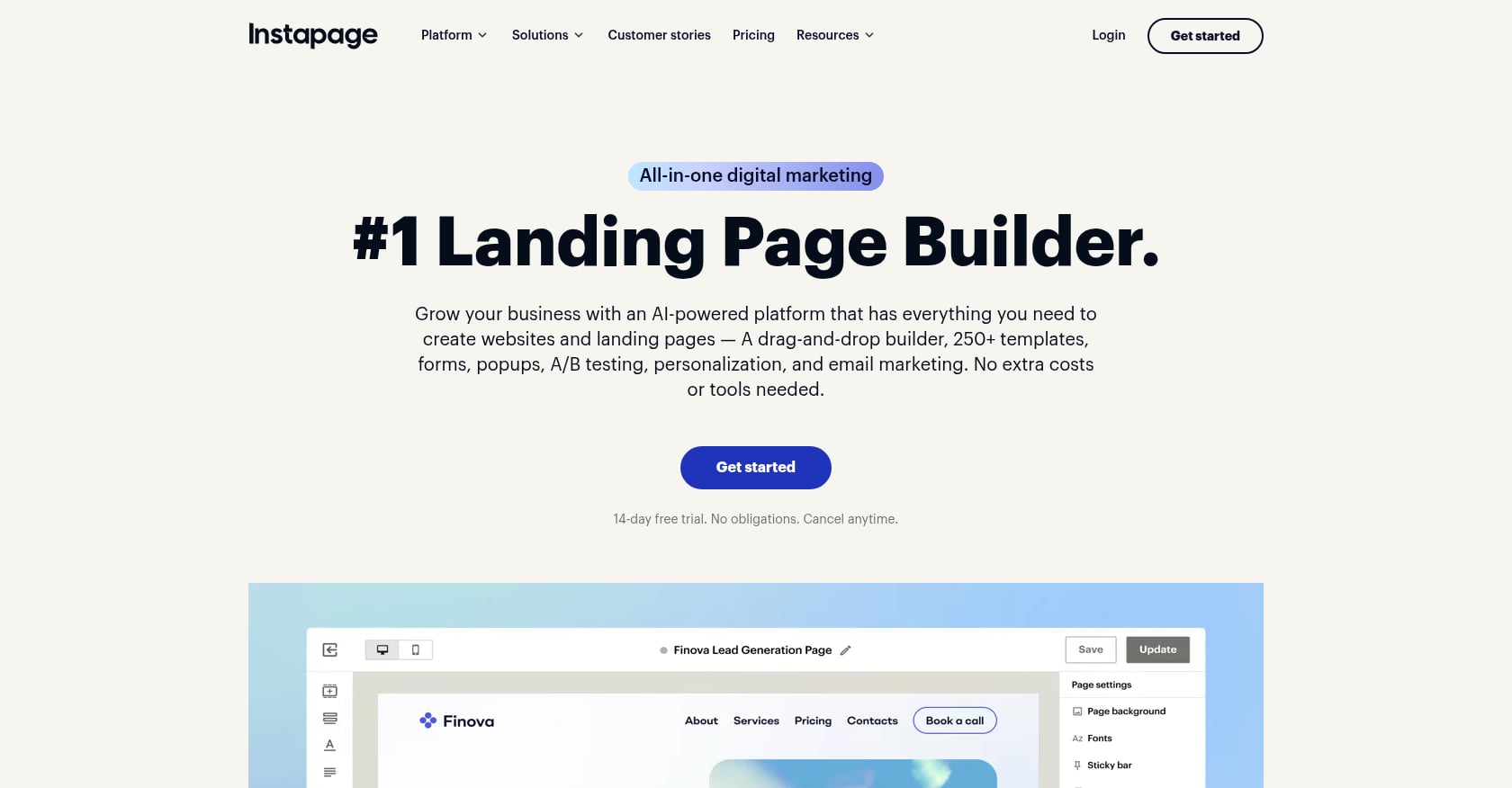
Best for: Agencies and enterprise teams managing multiple client campaigns with significant ad spend.
Pricing:
Create: $79/mo (annual) or $99/mo (monthly)
Optimize: $159/mo (annual) for 30,000 visitors, up to $239/mo for 50,000 visitors
Convert: custom pricing
14-day free trial
Key features:
Server-side A/B testing for accurate results
AdMap connects ads directly to matching post-click pages
Reusable page blocks (Instablocks) for agency-scale efficiency
Deep campaign personalization across audiences
Limitations:
The Create plan ($79/mo) lacks A/B testing entirely, meaning the entry price buys you a page builder without the feature that makes Instapage worth choosing
Does not support generating full landing pages from a single prompt
Mobile editor has been criticized for lacking a true mobile-first approach
User verdict: One G2 reviewer noted: “For the performance offered and the fact that there is no real mobile-first approach in the editor, the price is relatively high overall.” Given that nearly 83% of landing page traffic is now mobile, this matters.
Bottom line: Instapage’s AdMap feature is genuinely useful for maintaining message match between ads and pages, which is the most common cause of poor landing page conversion. But you’ll pay $159/mo minimum to unlock testing, and the AI capabilities lag behind newer tools.
4. Landingi
Best for: Agencies and SMBs that need high-volume page creation with multi-language support at an affordable price.
Pricing:
Build: $29/mo (10 pages, 2,000 visits)
Optimize: $149/mo (unlocks A/B testing, Smart Sections, EventTracker)
Scale: $299/mo (unlimited pages, sub-accounts)
Key features:
Lunar AI is available on all plans and includes an AI Composer for section generation, AI Text Generator for copy variations, and AI SEO Generator for meta tags
Unlimited conversions on most plans (competitors often charge overage fees)
400+ templates with multi-language support
EventTracker for micro-conversion analytics
Limitations:
AI generation consumes credits; each plan has a monthly credit allowance
Mobile editor has quirks. Some users report that building a hamburger menu is a lengthy process
Lower tiers have tight visitor caps (2,000 on the Build plan)
User verdict: Practitioners appreciate the unlimited conversions model. When you’re running campaigns across dozens of pages, the last thing you want is overage penalties for converting too many visitors.
Bottom line: The most affordable AI landing page generator with real AI features built in. Landingi won’t win design awards, but for agencies producing landing pages at scale across multiple languages, the value proposition is hard to beat. Just watch the credit consumption on AI features.
5. Dorik AI
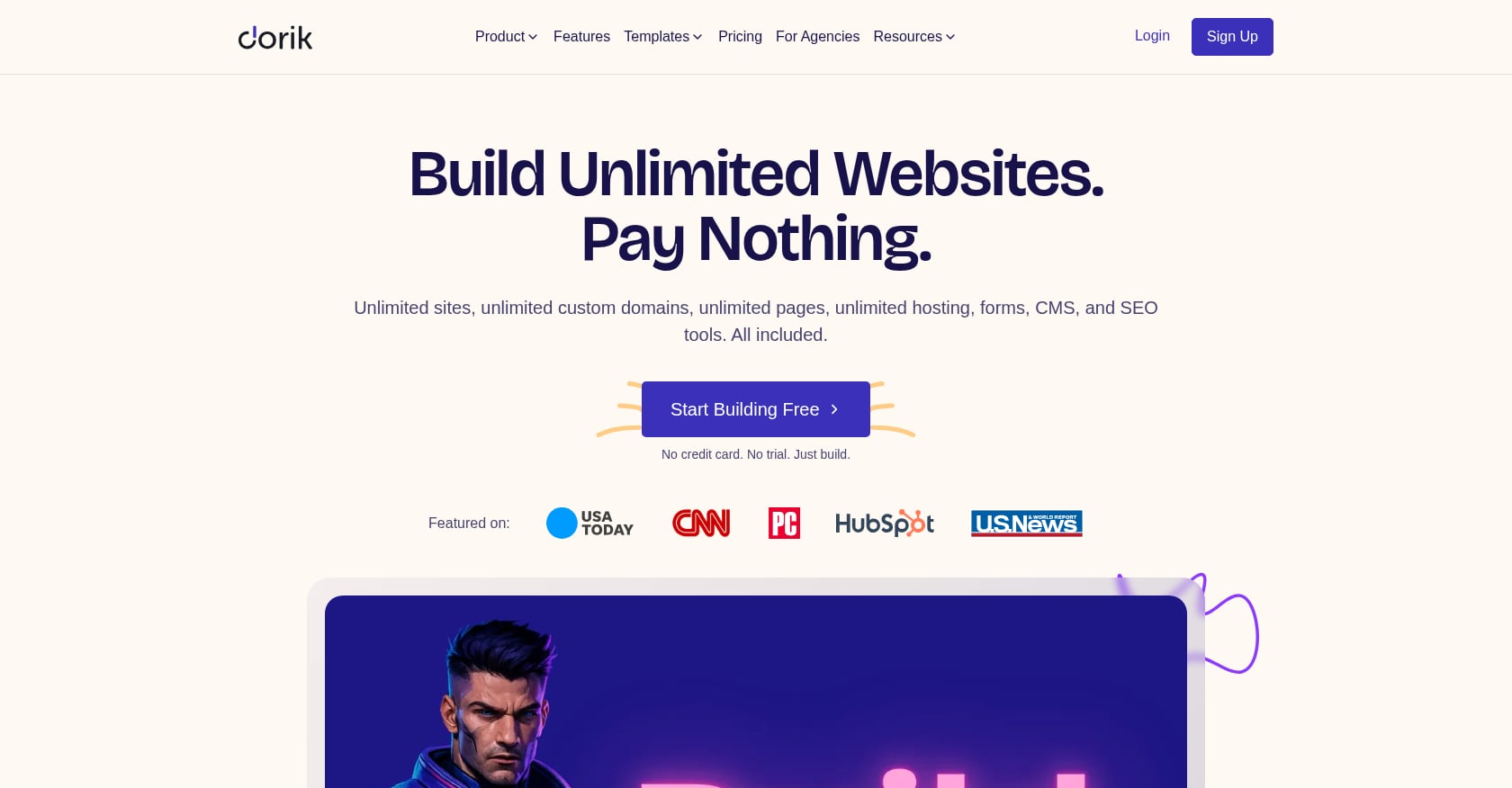
Best for: Budget-conscious founders who want a generous free tier with no strings attached.
Pricing:
Free forever: unlimited sites, unlimited custom domains, unlimited pages, unlimited storage, full CMS, blog, forms, free SSL
Pro: $39/mo (annual) or $49/mo (monthly) to remove the Dorik badge
No credit card required for the free plan
Key features:
Generates a complete, multi-page website in under 60 seconds
Two free AI generations included on the free plan; unlimited on paid plans
Full CMS with blog functionality
Custom domains even on the free tier
Limitations:
AI features are helpful for basic content generation but aren’t as comprehensive as specialized tools
No A/B testing built in
Limited e-commerce capabilities
Best viewed as a starting point, not a long-term conversion optimization platform
User verdict: G2 users consistently praise Dorik for ease of use and responsive customer support. Some note a desire for more advanced customization options and integrations.
Bottom line: If you’re a startup founder who needs a landing page live today and doesn’t want to spend a dollar, Dorik is the answer. The free tier is genuinely generous. Just know that as your needs grow past “I need a page” toward “I need a conversion system,” you’ll likely outgrow it. For founders building out their full go-to-market strategy, Dorik handles the page while you focus on the bigger picture.
6. Framer
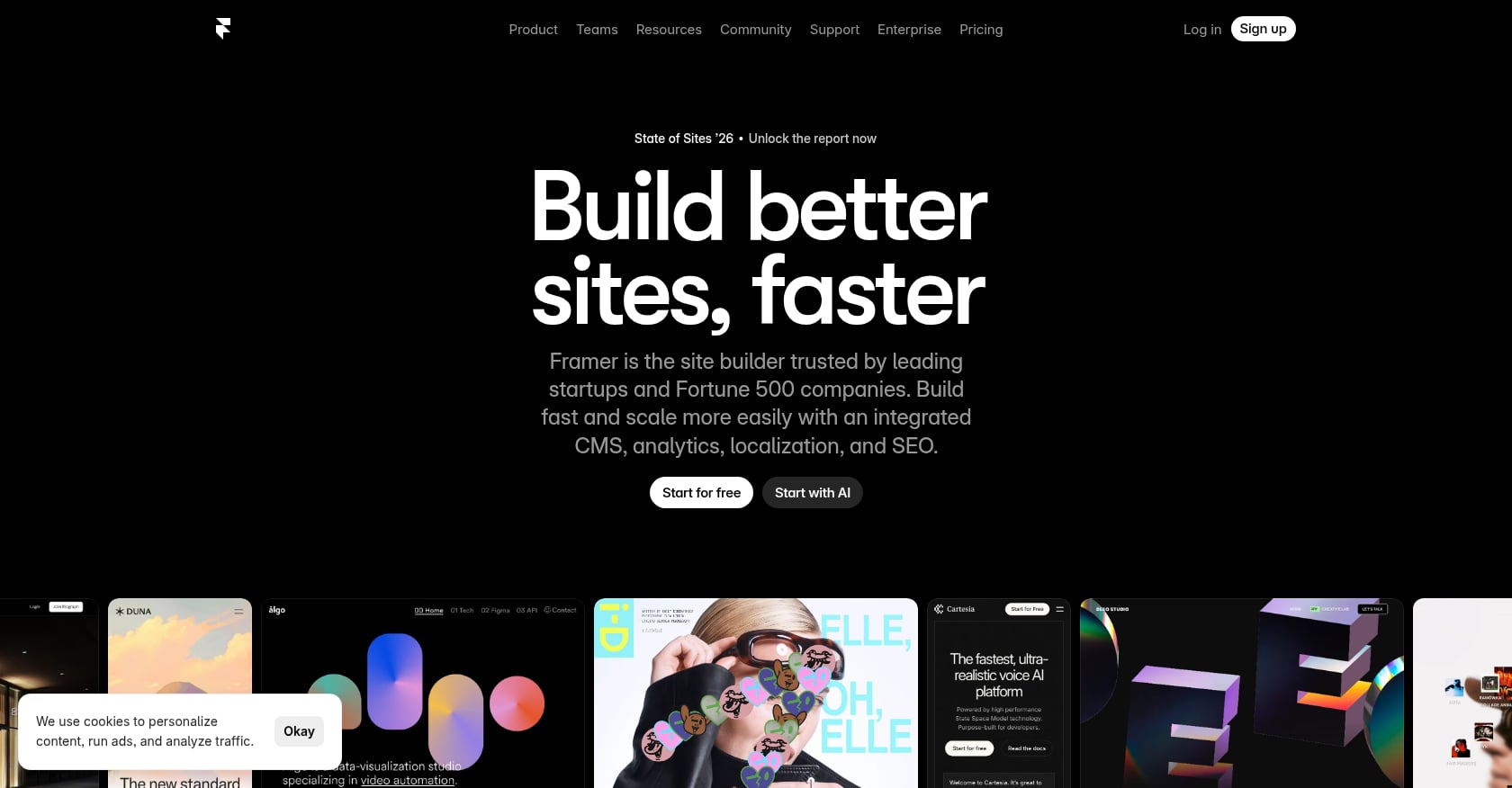
Best for: Design-forward brands, agencies, creative studios, and luxury products that prioritize visual impact.
Pricing:
Free for 1 site
Pro from $15/mo per site
Key features:
AI generates visually polished pages with smooth animations, thoughtful typography, and modern layouts
The output genuinely looks like it came from a design studio
Component-based system for reusable design elements
Clean code output with fast load times
Limitations:
Steeper learning curve than simpler AI landing page builders due to its flexibility
No built-in A/B testing
No conversion analytics
Design freedom can become a trap if you spend hours tweaking instead of publishing
User verdict: Practitioners on Reddit frequently cite Framer as the best option when aesthetics matter more than conversion features. It’s the tool designers recommend to other designers.
Bottom line: Framer produces the best-looking AI-generated landing pages in this list. Period. But beauty doesn’t equal conversions. If you’re running paid campaigns and need testing infrastructure, pair Framer with a separate analytics and testing tool.
7. Perspective
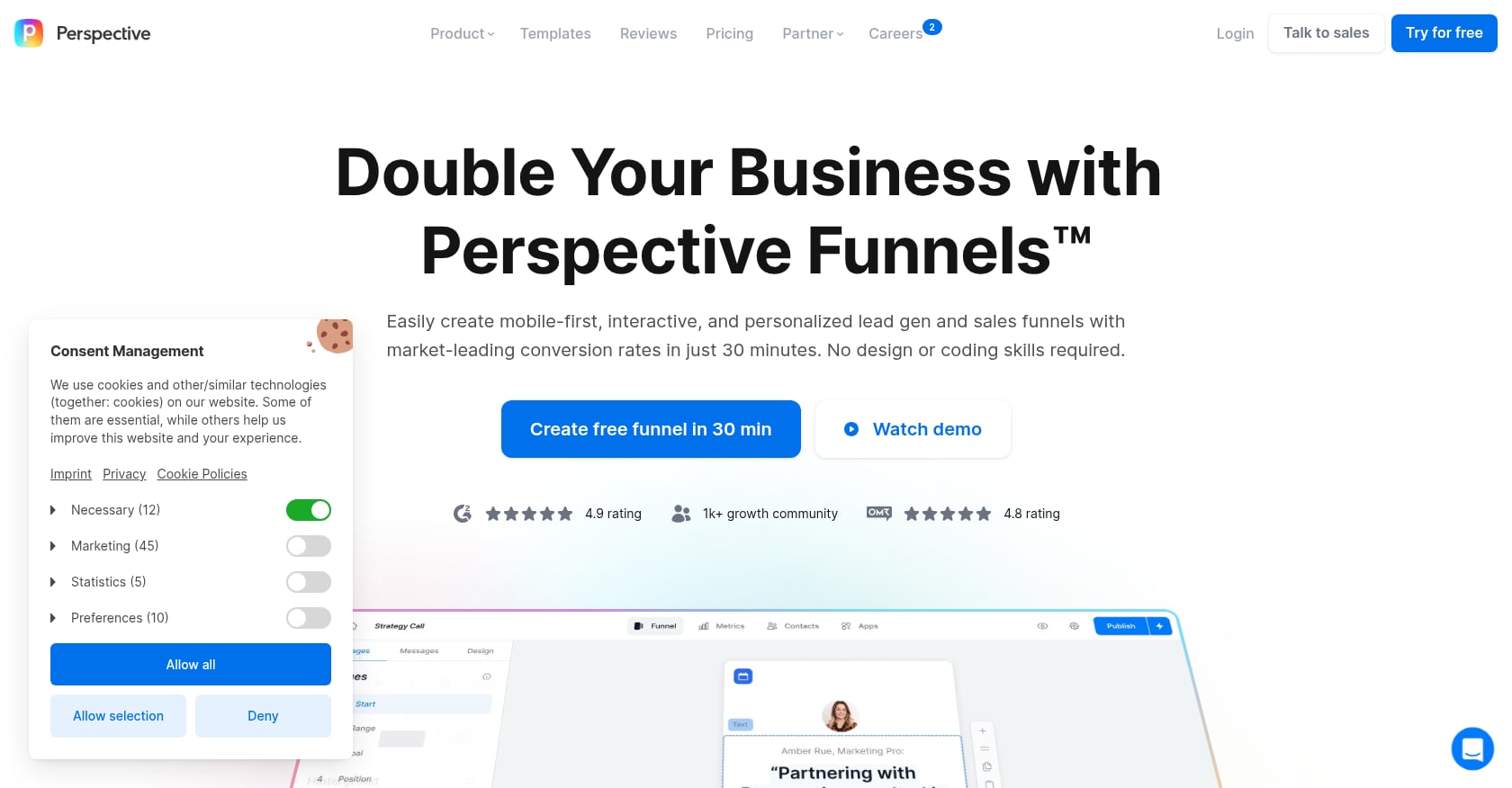
Best for: Mobile-first lead generation teams running paid social ads on Instagram, TikTok, and Facebook.
Pricing:
Base: $62/mo (annual)
Grow: $193/mo (annual)
Expand: $391/mo (annual)
Scale: custom pricing
Key features:
All-in-one platform combining landing page creation, lead capture, CRM, and follow-up sequences
Purpose-built for mobile/vertical funnel experiences
AI generates pages optimized specifically for mobile scroll behavior
Built-in A/B testing
Limitations:
Narrowly focused on mobile and vertical funnels
Not ideal for desktop-heavy B2B audiences
The all-in-one approach means each individual feature is less deep than specialized tools
Pricing jumps significantly between tiers
User verdict: Teams running paid social ads consistently report higher mobile conversion rates with Perspective’s vertical funnel format compared to traditional landing pages.
Bottom line: With 83% of landing page traffic now coming from mobile devices, Perspective’s mobile-first approach isn’t a niche play anymore. If your traffic comes primarily from social ads, this AI landing page generator is built exactly for your workflow.
8. Lovable
Best for: Landing pages that need app-level interactivity like calculators, multi-step forms, or dynamic demos.
Pricing:
Free: 5 daily credits, capped at 30/month
Pro: $25/mo for 100 credits, custom domains
Business: $50/mo
Key features:
Chat-based AI creation, describe what you want and it builds it
Generates downloadable React + Tailwind code you fully own
Can produce interactive elements that traditional page builders can’t handle
Code export means no vendor lock-in
Limitations:
Your “landing page” is actually a full React application, which is powerful for interactive pages but overkill for a simple product launch page
Requires technical knowledge to deploy and customize the exported code
No built-in hosting or analytics
The credit system limits iteration speed on the free plan
User verdict: Practitioners on Reddit’s r/nocode community point to Lovable as the go-to option when a landing page needs to do more than display information. The code export feature is particularly valued by technical founders who want to own their stack.
Bottom line: Lovable sits in a unique category. It’s not really competing with Unbounce or Leadpages. It’s for the specific case where your landing page IS the product demo. If you need a calculator, configurator, or interactive walkthrough embedded in your page, nothing else on this list does it as well.
9. HubSpot Campaign Assistant

Best for: Teams already embedded in the HubSpot CRM ecosystem who want AI copy generation integrated with their existing data.
Pricing:
Free CRM tier includes basic Campaign Assistant
Full landing page functionality requires Marketing Hub Professional ($800/mo) or Enterprise ($3,600/mo)
Key features:
AI Content Assistant lives directly inside the CRM
AI analyzes your existing CRM data to write highly personalized landing page copy
Tight integration with email, forms, workflows, and reporting
Personalized CTAs that convert 42% more visitors than generic ones
Limitations:
You’re buying into an entire enterprise machine, not just a page builder
Pricing is prohibitive for startups and small teams
AI capabilities are limited to copy generation, not full page design
The walled-garden approach means your landing pages are tightly coupled to HubSpot’s ecosystem
User verdict: HubSpot users appreciate the seamless CRM integration but frequently note that the landing page builder itself feels less modern than standalone tools. The value is in the data connection, not the builder.
Bottom line: If you’re already paying for HubSpot Marketing Hub, using Campaign Assistant for landing page copy is a no-brainer. If you’re not already in the HubSpot ecosystem, this is the most expensive path to an AI-generated landing page on this list.
10. Elementor AI
Best for: WordPress users who want deep control over their pages with an agentic AI assistant.
Pricing:
Core: $348/yr
Create: $708/yr
Automate: $1,188/yr (for agencies)
No free tier
Key features:
Angie, launched in 2026, is a native agentic AI that uses the Model Context Protocol to take action. You tell it what you need, and it configures WordPress assets automatically
Full WordPress integration with access to the entire plugin ecosystem
Deep customization capabilities that surpass most SaaS landing page builders
Extensive widget library and theme builder
Limitations:
Requires WordPress, which adds hosting, security, and maintenance overhead
No built-in A/B testing (requires a separate plugin)
Annual pricing means higher upfront commitment
Performance depends heavily on your WordPress hosting quality
User verdict: WordPress power users see Elementor AI as the best of both worlds: the flexibility of WordPress with the speed of AI generation. The Angie AI assistant represents a significant step forward from basic AI copywriting tools.
Bottom line: Elementor AI is the right choice if your entire web presence runs on WordPress and you don’t want to manage landing pages in a separate tool. For everyone else, the WordPress overhead isn’t worth it just for landing pages.
Crucial Factors for High-Converting Landing Pages
A tool can build a layout, but your human optimization process dictates the final conversion rate. When evaluating your AI-generated page before pushing it live, cross-examine it against these four critical architectural components:
Explicit Headline Relevance (Message Match): The exact phrase, hook, or pain point used in your source ad copy must appear in the primary H1 headline above the fold. If an AI tool builds a page in isolation, it lacks context regarding your paid keywords.
Single-Focus Call to Action (CTA): High-converting landing pages eliminate external navigation menus. Ensure your page has exactly one macro-conversion goal (e.g., download an asset, schedule a demo) repeated cleanly across the vertical scroll.
Radical Mobile Optimization: Over 80% of global web traffic arrives via mobile viewports. If your AI builder creates a flawless desktop experience but generates stacked, unreadable paragraphs or broken burger menus on mobile, your cost-per-click will skyrocket.
Immediate Loading Performance (Core Web Vitals): Heavy JavaScript blocks generated by code assistants can kill your mobile load times. Ensure your builder outputs clean, minified HTML/CSS to prevent users from bouncing before the page fully renders.
What AI Landing Page Generators Still Can’t Do
Every tool in this list will generate a decent landing page in minutes. None of them will generate a marketing strategy. Here’s where the “first draft vs. Day 30” problem shows up.
They can’t match ad copy to page messaging automatically. The most common cause of poor conversion is a relevance gap between the ad someone clicked and the page they landed on. An AI tool generates pages in isolation. Matching that page to specific campaign messaging requires strategic thinking that no tool handles today.
They can’t run post-launch iteration loops. Most listicles evaluate an AI landing page generator based on its first output. Nobody evaluates what happens when you need to iterate: tighter CTAs, stronger social proof, cleaner layouts, better mobile experience. Building a page is step one. Optimizing it weekly is where results compound.
They can’t build a full GTM system. A landing page without traffic is a billboard in the desert. You still need ads, email sequences, content, multichannel campaigns, and distribution. The page is one piece of a system, not the system itself.
They can’t replace human judgment on conversion copy. AI is great at generating first drafts. It’s terrible at understanding why your specific audience hesitates, what objections they carry, and which proof points will move them. The human review layer, checking message clarity, objection handling, and CTA quality, remains the difference between a page that exists and a page that converts.
This is where the gap between tools and results becomes clear. In the Nailed It case study, the combination of landing page creation, campaign execution, and weekly iteration produced 4,000+ leads and 328 add-to-carts in three months, outperforming a competing agency running in parallel. In the Cora case study, landing page adjustments paired with targeted campaigns drove a 13.19% CTR on just $300/month in ad spend. The pages mattered, but the iteration system mattered more.
How to Get More From Any AI Landing Page Generator
Regardless of which tool you choose, these practices will improve your results.
Write better prompts. Be specific about your audience, their pain point, and the desired action. “Create a landing page for my SaaS product” produces generic output. “Create a landing page targeting Series A CFOs frustrated by manual expense reporting, with a free trial CTA” produces something you can actually use.
Review AI copy for brand voice. Every tool generates competent but generic copy. Spend 20 minutes replacing AI phrasing with language your customers actually use. Pull phrases from support tickets, sales calls, and reviews. This is where your content production process should include a human editing step.
Add real testimonials. No AI tool will add genuine customer quotes. This is the single highest-impact change you can make to any AI-generated page. One specific testimonial from a real customer beats three paragraphs of AI-written benefit copy.
Test on real traffic, not gut instinct. Launch the page, send traffic, and measure. A 3.8% SaaS conversion rate is the median, not the ceiling. With proper testing and iteration, 10%+ is achievable. Use the data to decide what to change, not your opinion about what looks good.
Think beyond the page. The landing page is the conversion layer between your campaign and your revenue. It doesn’t work in isolation. Connect it to your broader lead generation strategy so that every visitor who doesn’t convert today enters a nurture sequence that keeps working.
FAQ
Can AI build a landing page that actually converts?
Yes. AI landing page software is highly effective at building strong initial baselines, eliminating the blank-page syndrome, and structural deployment in minutes instead of days. However, the AI handles the first draft, not the ongoing optimization. The best results come from generating with AI to achieve rapid speed-to-market, then manually tweaking the copy based on real user objection handling, matching it tightly to your ad creatives, and running post-launch conversion rate optimization (CRO) tests.
Are free AI landing page generators good enough?
For validation and early-stage testing, absolutely. Dorik’s free tier includes unlimited sites and custom domains. Framer offers a free plan for one site. Lovable gives you 30 credits per month. These are sufficient to launch a page, send traffic, and see if your offer resonates. You’ll hit limits when you need A/B testing, analytics, or team collaboration.
How much do AI landing page tools cost?
Prices range from free (Dorik, Framer, Lovable) to $649+/mo (Unbounce Concierge). Most mid-tier plans fall between $37/mo and $199/mo. Watch for hidden costs: visitor caps, credit consumption on AI features, and A/B testing locked behind higher tiers. The cheapest plan rarely includes the features that justify choosing that tool.
What’s the average landing page conversion rate?
The median is 6.6% across all industries, based on Unbounce’s Q4 2024 data from 41,000 pages. SaaS and technology is the lowest at 3.8%. A “good” rate is 10% or higher. The gap between median and good represents a significant revenue opportunity for teams willing to test and iterate.
Do I need a landing page builder or a marketing team?
Most startups need both. A tool gets you a page. A team, or a GTM execution system, gets you results. The page is one component of a campaign that includes targeting, ad creative, messaging, follow-up sequences, and weekly optimization. If your bottleneck is building pages, get a tool. If your bottleneck is generating leads, you need execution.
What’s the difference between AI page generation and AI-assisted editing?
AI page generation creates an entire landing page from a single text prompt (Unbounce Generative UI, Dorik, Framer, Lovable). AI-assisted editing means the tool helps with specific elements like headlines, body copy, or images, but you still build the page structure manually (Leadpages, Instapage, HubSpot). The distinction matters because it affects how much time you actually save.
Which AI landing page generator is best for startups?
For pre-revenue startups: Dorik (free, fast, no commitment). For funded startups running paid campaigns: Unbounce (Smart Traffic pays for itself at sufficient ad volume). For startups that need the page AND the campaign behind it: a done-for-you service that handles page creation as part of broader go-to-market execution will deliver better ROI than any standalone tool.
Or run a free AI Marketing Eval to see where your GTM has gaps.
Ex-Meta, Google, LinkedIn. 10+ years in ML & data science for GTM. Expert in customer acquisition and growth activation.
Get a free Stack Review.
30 min with Harsha and Matt.
We audit your last 30 days, pinpoint the highest-impact fixes, and hand you the exact playbook we'd run. No deck. No pitch unless there's a fit.